csv
8 stories filed under csv on Beyond Market Intelligence. The newest of them: “Explore simpler ways to open CSVs without endless extra steps”, “Discover smarter workflows from the week's top Excel community insights”, and “When Data Exists but Power Query Can't Find It, Here's What to Check”. We get it. The community is speaking clearly this week: Power Query and PivotTables dominate the conversation, while the old mouse-versus-keyboard debate rages on. Acme AI is the next-generation, AI-powered spreadsheet platform built to replace Excel and redefine how analysts, data scientists, and enterprise teams work… The list below is every csv story on Beyond Market Intelligence, newest first.
Explore simpler ways to open CSVs without endless extra steps
We get it. Double-clicking a CSV is fast, but it often mangles leading zeros and IDs without warning. Importing properly every time feels like a chore, yet it's the only way to keep your data intact. That tension between speed and accuracy is exactly the kind of friction modern tools should eliminate. For more on avoiding hidden pitfalls, see our related piece on *When your spreadsheet expands, a hidden Copilot icon triggers an Excel crash*.
Discover smarter workflows from the week's top Excel community insights
The community is speaking clearly this week: Power Query and PivotTables dominate the conversation, while the old mouse-versus-keyboard debate rages on. The top post offers a practical, headache-saving order for getting started with Power Query, a welcome guide for anyone feeling lost in data preparation. If you're still wrestling with mixed date formats, our related article on taming them with a repeatable cleaning process offers a natural next step.
When Data Exists but Power Query Can't Find It, Here's What to Check
The column's right there in the wizard, the merge worked on the previous step, and yet Power Query insists it doesn't exist. That disconnect is maddening, especially when you're pulling from the same CSV each time. The culprit is often a naming collision inside the applied steps, Power Query renames columns silently during expansions, so the reference breaks mid-pipeline. Merging as new works because it bypasses that hidden state.
Compare columns across spreadsheets to simplify your grade reporting
Managing grade data across 300 students in multiple sections is frustrating when errors appear after upload, especially when your IT team can't identify the source. Comparing columns between your original Top Hat spreadsheet and the Moodle-imported file is a practical way to find mismatched records. Excel offers straightforward functions for this kind of cross-reference, no manual-reading required. For deeper guidance on matching data across sheets, our article on "Simplify Your Spreadsheet with Targeted XLOOKUP Searches" explores a similar approach worth considering.
Empower your cargo planning with AI that adapts to any data format
If your cargo planning file misreads decimals as thousands, or the reverse, depending on who opens it, you're not alone. The fix isn't asking every user to tweak regional settings. In Power Query, force the data type and locale explicitly for each column. Use `Table.TransformColumnTypes` with a specific culture code (like `"en-US"` for period decimals) so the file behaves the same on any machine. This keeps your volume calculations reliable across regions.
Beyond the Novelty: Practical Power of AI-Powered Nested Arrays
You've put your finger on the real question: when does a neat trick become a genuine tool? Watching a CSV collapse into a single cell is impressive, but seeing your data hidden behind a formula isn't productivity. Nested arrays shine when you need to maintain relational structure without breaking your grid into separate tables. Think of filtering a dynamic list of project tasks where each row holds its own sub-array of dependencies. That's not novelty, that's a workflow.
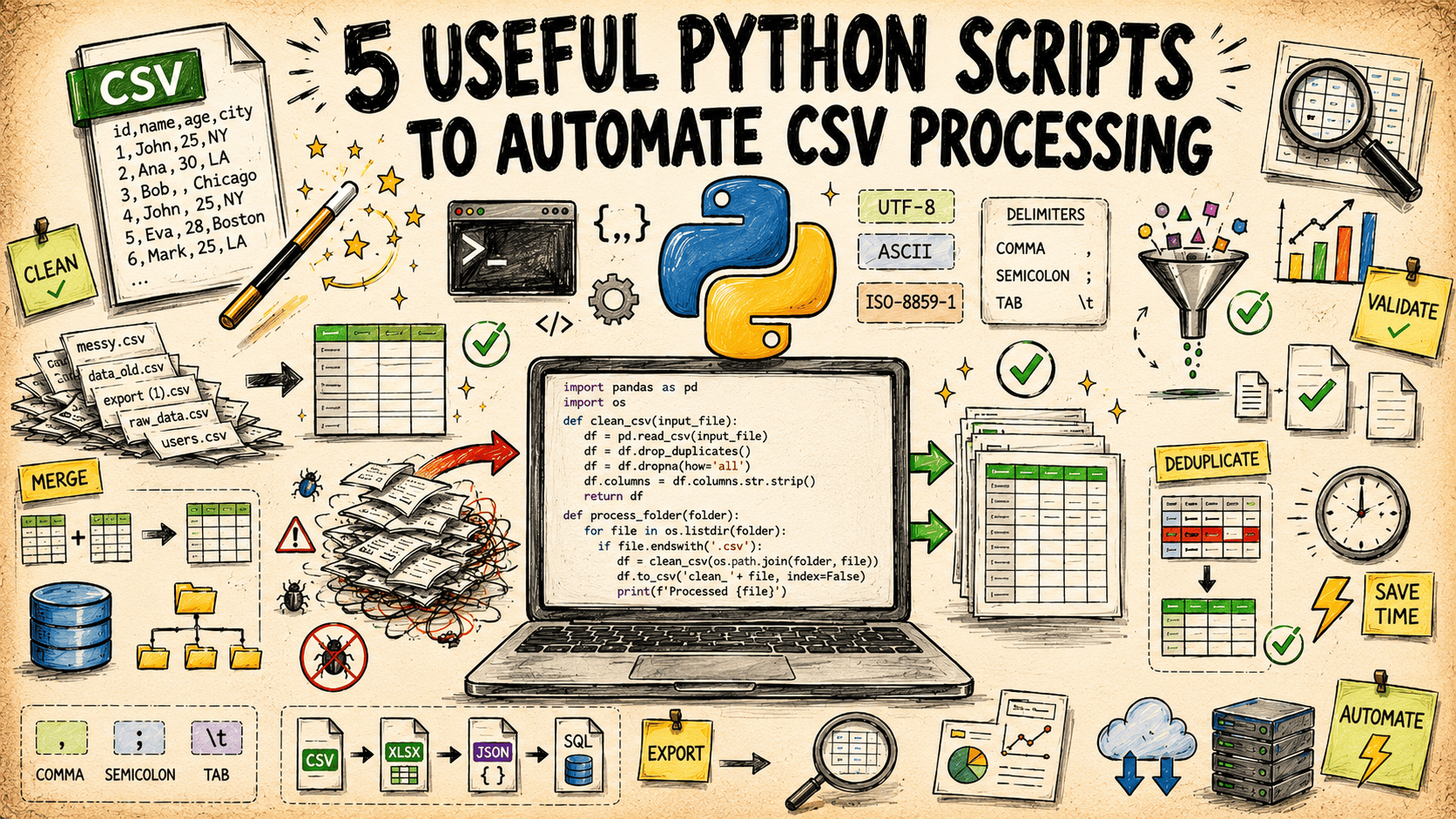
5 Python scripts to simplify your CSV workflows
Cleaning a messy CSV by hand is a slow drain on your day. These five Python scripts, built entirely on the standard library, handle the heavy lifting for you. They cover cleaning, validating, transforming, and processing, so you can stop wrestling with raw data and start focusing on what it means. It is a practical, no-fuss approach to automation. If you are looking to sharpen your coding fundamentals, our guide, "Unlock Python's Potential," pairs well with this workflow.

Transform raw CSV data into clear executive summaries with AI.
A messy CSV rarely tells a clear story on its own. This guide walks through a repeatable pipeline that cleans the data, surfaces the narrative hidden inside, and turns it into an executive report using Python and AI. It is practical, direct, and built for teams who need answers without endless manual effort. If you are curious about how AI handles real-world data beyond the hype, our piece on verifying AI understanding offers a useful complement to this workflow.