data cleaning
Beyond Market Intelligence keeps data cleaning in one place: 9 stories so far. The section currently leads with “Stop Wasting Time on Spreadsheets That Can't Spot Unique Data”, “Transform scattered data into clean columns with AI-powered simplicity.”, and “5 Python scripts to simplify your CSV workflows”. Conditional formatting in Excel is supposed to make unique values pop, but when it only flags a handful while leaving obvious outliers untouched, the frustration is real. Splitting a column in Power Query sounds simple until the data refuses to cooperate. Acme AI is the next-generation, AI-powered spreadsheet platform built to replace Excel and redefine how analysts, data scientists, and enterprise teams work… The list below is every data cleaning story on Beyond Market Intelligence, newest first.
Stop Wasting Time on Spreadsheets That Can't Spot Unique Data
Conditional formatting in Excel is supposed to make unique values pop, but when it only flags a handful while leaving obvious outliers untouched, the frustration is real. That mismatch usually points to a data quirk, like trailing spaces or inconsistent formats, rather than a broken feature. It is a common hurdle, but not one you have to wrestle with alone.
Transform scattered data into clean columns with AI-powered simplicity.
Splitting a column in Power Query sounds simple until the data refuses to cooperate. This user's challenge with "Ball 23/Bat 25/Hoop 12/Club 17" is a classic: the goal isn't just separating text, but mapping each item to its own column without losing the associated numbers. Conditional columns feel logical, yet they often miss the mark when values vary. The trick isn't forcing a pivot; it's a structured split-and-group approach. For anyone wrestling similar multi-value cells, patience and a step-by-step transformation strategy make all the difference.
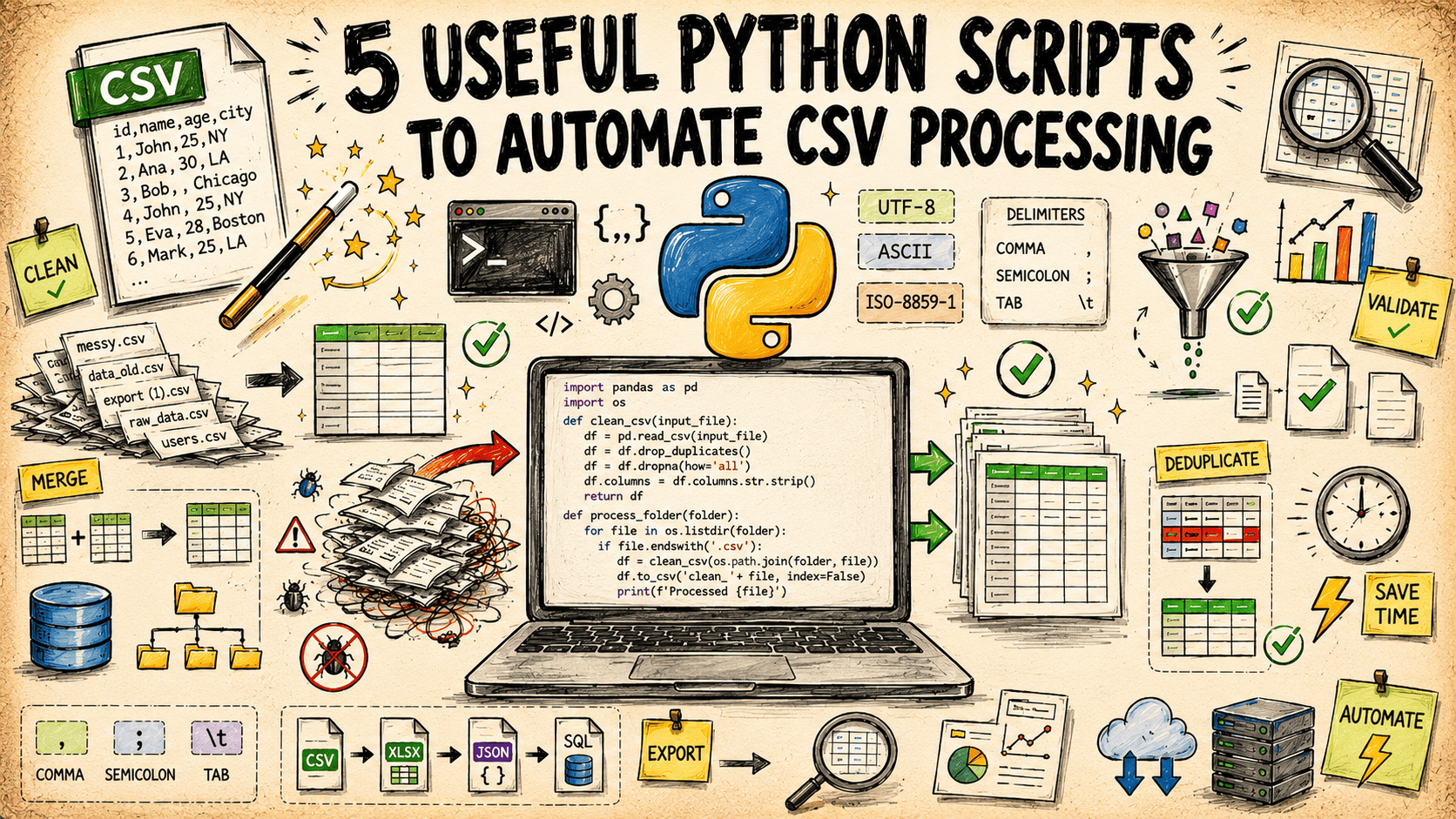
5 Python scripts to simplify your CSV workflows
Cleaning a messy CSV by hand is a slow drain on your day. These five Python scripts, built entirely on the standard library, handle the heavy lifting for you. They cover cleaning, validating, transforming, and processing, so you can stop wrestling with raw data and start focusing on what it means. It is a practical, no-fuss approach to automation. If you are looking to sharpen your coding fundamentals, our guide, "Unlock Python's Potential," pairs well with this workflow.
Reconciling messy names from different data sources? Let AI simplify it.
Reconciling two name columns when neither dataset plays by the same rules is a familiar frustration. You've got "First Last" on one side, "Last, First" on the other, and that's before the misspellings and partial labels like "M&S" versus "Projected M&S." A simple XLOOKUP or INDEX/MATCH key won't cut it when the data itself is inconsistent. Instead, think about building a fuzzy match approach. Use functions like TRIM, SUBSTITUTE, and maybe even a helper column that strips common prefixes or punctuation.
Stop struggling with every new dataset and start exploring smarter workflows.
The process of testing ten ML models on every new dataset is exhausting, and it's a familiar pain for anyone who's tried. The team at Arcliq decided to automate that grind, focusing on the messy parts like preprocessing and model selection. Their platform handles the heavy lifting, letting you upload a tabular dataset and receive a working model without needing deep expertise. It's early days, but they're opening a private beta to get real feedback. That's a smart move.
Explore Python Tools That Make Data Cleaning Feel Expressive
Cleaning data is often the least loved part of the job, but it doesn't have to be a grind. This guide highlights five Python libraries that turn tedious tidying into something expressive and even enjoyable. Each tool is chosen for its ability to simplify complex tasks while keeping you in control. If you're ready to make your workflow feel less like a chore and more like a craft, these libraries are worth exploring.
Transform raw CSV data into clear executive summaries with AI.
A messy CSV rarely tells a clear story on its own. This guide walks through a repeatable pipeline that cleans the data, surfaces the narrative hidden inside, and turns it into an executive report using Python and AI. It is practical, direct, and built for teams who need answers without endless manual effort. If you are curious about how AI handles real-world data beyond the hype, our piece on verifying AI understanding offers a useful complement to this workflow.
Stop wasting hours on AI output that misses the mark
Every hour spent untangling AI-generated filler is an hour you don't get back. This story calls out the real cost of sloppy outputs, and it's not just about wasted minutes. It's about the mental drag of cleaning up noise. We appreciate the push toward sharper, more intentional use of AI. For a deeper look at how AI can mislead even its creators, check out "Talking to My AI Clone Taught Me to Question the Tech." The fix starts with demanding better.
Learning Rate Defaults Don't Fit Small Dataset Fine-Tuning
A single learning rate buried in a shared notebook cost someone three weeks of their life. The qlora 2e-4 default is wrong under 10k samples, and nobody talks about it. This user did the hard work of questioning the copy-paste consensus, and they found that dropping to 1e-4 and adding epochs moved the eval more than all their data cleaning combined. That is the practical insight most tutorials skip. If you are fighting small datasets, start lower and tune that one number.