Power BI
4 stories filed under Power BI on Beyond Market Intelligence. The newest of them: “Explore how to filter 5000 IDs outside your Power BI model”, “Maximize Your Power BI Pipeline Without Wasting Time on Dead Ends”, and “Untangling Nested Measures When Filters Collide in DAX”. Filtering 5000 IDs that live outside your Power BI model doesn't have to be a headache. You're right to question whether Excel VBA opening a file is the most reliable path, it often creates more dead ends than solutions. Acme AI is the next-generation, AI-powered spreadsheet platform built to replace Excel and redefine how analysts, data scientists, and enterprise teams work… The list below is every Power BI story on Beyond Market Intelligence, newest first.
Explore how to filter 5000 IDs outside your Power BI model
Filtering 5000 IDs that live outside your Power BI model doesn't have to be a headache. The trick is to bring that external list into your analysis without merging it into your dataset. A simple approach: load your IDs as a separate table, then use DAX or Power Query to cross-reference them against your model. It keeps your data clean and your slicers responsive. For more on navigating unexpected syntax shifts, our article on VLOOKUP changes might offer helpful context.
Maximize Your Power BI Pipeline Without Wasting Time on Dead Ends
You're right to question whether Excel VBA opening a file is the most reliable path, it often creates more dead ends than solutions. Power BI Premium with Copilot gives you a cleaner option: schedule a direct refresh through the service, or use Power Automate to trigger a refresh when a new CSV lands in SharePoint. Skip the Excel middleman entirely. Your data pipeline should flow forward, not loop through fragile workarounds.

Untangling Nested Measures When Filters Collide in DAX
Nesting measures in DAX feels efficient until you overwrite a filter and the entire calculation unravels. That tension, reusing logic while fighting filter context, is exactly what this post tackles head-on. It's a practical guide for anyone who has watched a carefully built measure return the wrong numbers and wondered why. If you're also navigating shifting data foundations, *The Power BI Developer's Survival Guide to Microsoft Fabric* offers essential context on what changed when Premium gave way. Both pieces reward the curious.
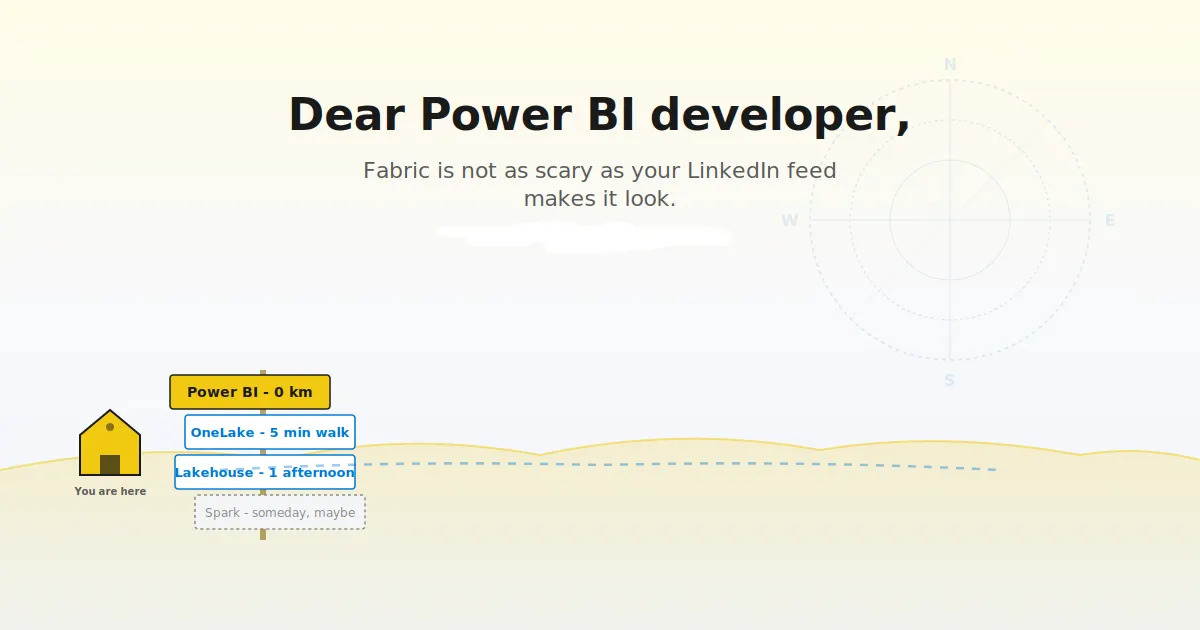
Navigate Microsoft Fabric with confidence and purpose, not panic.
Power BI Premium's retirement isn't a crisis; it's a handoff. For developers, Microsoft Fabric changes the ground rules, but not the core craft. This guide cuts through the noise, separating what truly shifts in your workflow from what stays comfortably familiar. It's a practical starting point for those who'd rather adapt with clarity than react with alarm. For a deeper look at how structured thinking applies elsewhere, explore our piece on how LLMs navigate token space. The takeaway?