rows
Beyond Market Intelligence keeps rows in one place: 7 stories so far. The section currently leads with “When VLOOKUP Works in One Spreadsheet but Not the Other”, “Save hours by finding deleted rows between two spreadsheet versions”, and “Stop Wasting Time on Spreadsheets That Can't Spot Unique Data”. The structured references error in Excel's web version is a frustrating roadblock, especially when the formula works perfectly in the desktop app. Fifty-five hours of manual scrolling to find deleted rows between two spreadsheet versions. Acme AI is the next-generation, AI-powered spreadsheet platform built to replace Excel and redefine how analysts, data scientists, and enterprise teams work… The list below is every rows story on Beyond Market Intelligence, newest first.
When VLOOKUP Works in One Spreadsheet but Not the Other
The structured references error in Excel's web version is a frustrating roadblock, especially when the formula works perfectly in the desktop app. Your VLOOKUP is sound, it functions when both workbooks are open locally, but the web version simply doesn't support those table references across linked files. The size difference between your spreadsheets isn't the culprit. The fix involves converting your structured table references to standard cell ranges in the formula. It's a small adjustment that removes the web version's limitation.
Save hours by finding deleted rows between two spreadsheet versions
Fifty-five hours of manual scrolling to find deleted rows between two spreadsheet versions. That's the kind of pain that makes people question their tools, not their patience. The good news: you don't need to arrange windows side-by-side. A simple comparison formula in Excel can flag missing rows in seconds. It's a practical fix for a problem that should never cost fifty-five hours. For deeper coverage on smarter spreadsheet workflows, our article "Stop guessing your week numbers with this smarter date formula" explores similar time-saving approaches.
Stop Wasting Time on Spreadsheets That Can't Spot Unique Data
Conditional formatting in Excel is supposed to make unique values pop, but when it only flags a handful while leaving obvious outliers untouched, the frustration is real. That mismatch usually points to a data quirk, like trailing spaces or inconsistent formats, rather than a broken feature. It is a common hurdle, but not one you have to wrestle with alone.
Simplify Conditional Formatting Across Sheets with Smarter Logic
Conditional formatting often feels like it should be simpler than it is, especially when you're bridging two sheets with an INDEX-MATCH lookup. KingScuba's setup is clever, using Sheet 1's input to trigger highlights across Sheet 2, but the friction comes from translating that logic into a custom formula that works across ranges. The good news? You don't need to split sheets; a single, well-crafted formula can handle it.
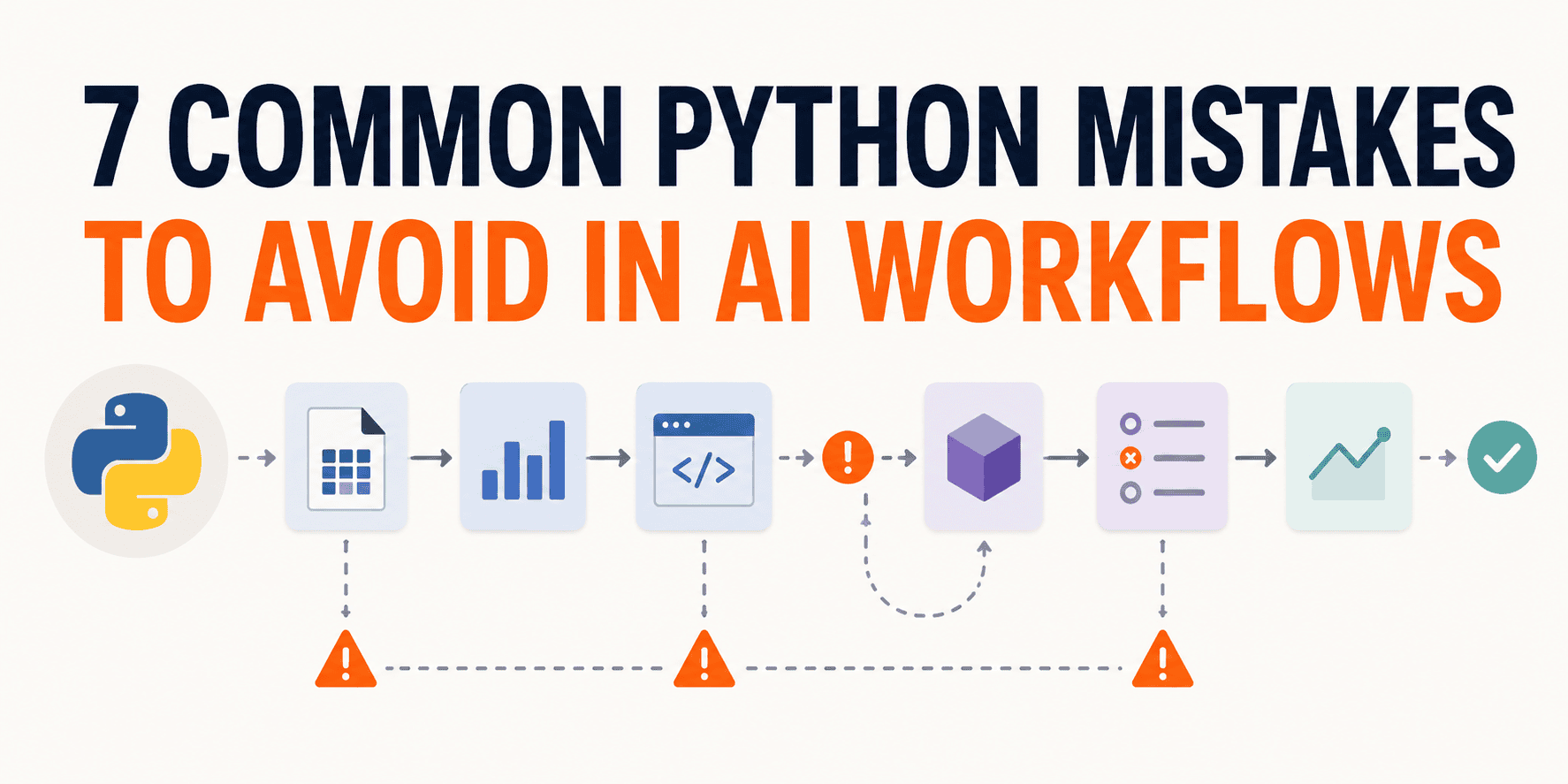
Your Pipeline Ran Clean. Here's Why That Doesn't Mean It Worked.
A clean run feels like a win. But in AI workflows, it's often a mirage. The process executed; that's all. It tells you nothing about what the pipeline actually learned, which rows shaped it, or whether the saved result can be trusted elsewhere. That gap is where real mistakes live. If you're ready to move past surface-level checks, our guide on distributed algorithms offers a natural next step. For now, let's focus on the seven pitfalls that quietly undermine your data's integrity.
Stop juggling sheets: let your data flow beyond print boundaries.
Printing 102 rows across two pages doesn't have to mean juggling sheets or chasing formula references. The real friction here isn't the data, it's the print area. Instead of stacking sections manually, try setting a vertical print range that spans both pages, then adjust page breaks under Page Layout. That keeps everything on one sheet while letting Excel handle the split. Future quarters will thank you. For similar workflow snags, our piece on keeping notebooks runnable offers adjacent habits worth borrowing.
Discover how linked tables keep your expense data in perfect sync
You've built a solid system: a parent table for expense types, linked child tables that filter rows through a dropdown. It's tidy, but adding a new expense means manually copying rows and formulas into each child table. That's the friction. The good news? This is exactly where an AI-native approach earns its keep. Instead of chasing updates, imagine the child tables syncing automatically, pulling new rows and their formulas the moment the parent grows.