data validation
Beyond Market Intelligence keeps data validation in one place: 14 stories so far. The section currently leads with “Simplify Conditional Data Entry with Smarter Spreadsheet Logic”, “Stop Wasting Time on Spreadsheets That Can't Spot Unique Data”, and “5 Python scripts to simplify your CSV workflows”. Conditional data entry doesn't have to feel like a puzzle with missing pieces. Conditional formatting in Excel is supposed to make unique values pop, but when it only flags a handful while leaving obvious outliers untouched, the frustration is real. Acme AI is the next-generation, AI-powered spreadsheet platform built to replace Excel and redefine how analysts, data scientists, and enterprise teams work… The list below is every data validation story on Beyond Market Intelligence, newest first.
Simplify Conditional Data Entry with Smarter Spreadsheet Logic
Conditional data entry doesn't have to feel like a puzzle with missing pieces. When you select NO under Relevant, the cells for Updated and Moved should automatically display N/A, no errors, no manual work. If YES is chosen, a dropdown with NO, YES, and NEEDED appears instead. That's the kind of logic that transforms spreadsheets from frustrating to functional. For more on making your data work smarter, check out our related guide on "Color-Coded Spreadsheet Totals Made Simple with AI Assistance."
Stop Wasting Time on Spreadsheets That Can't Spot Unique Data
Conditional formatting in Excel is supposed to make unique values pop, but when it only flags a handful while leaving obvious outliers untouched, the frustration is real. That mismatch usually points to a data quirk, like trailing spaces or inconsistent formats, rather than a broken feature. It is a common hurdle, but not one you have to wrestle with alone.
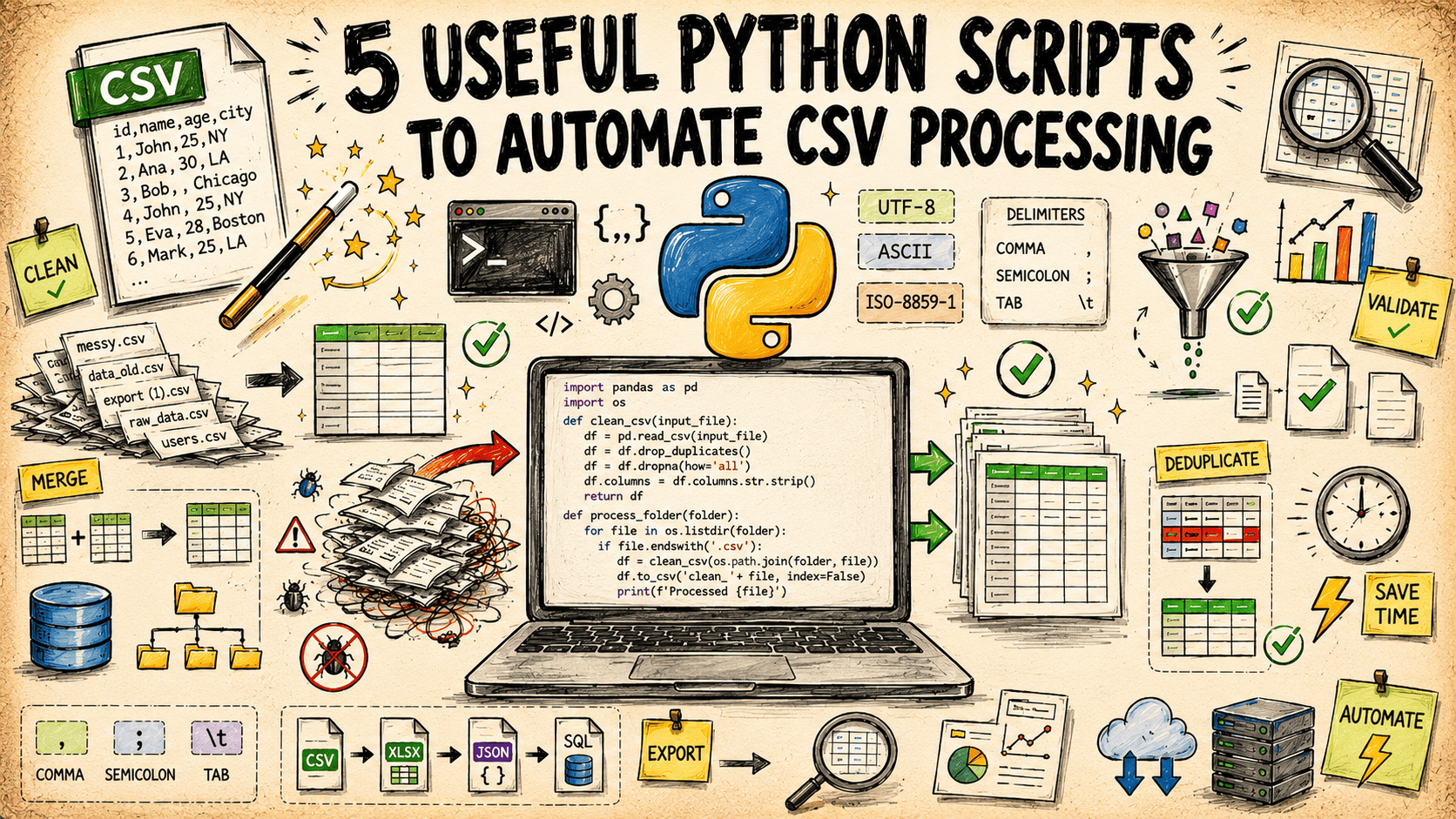
5 Python scripts to simplify your CSV workflows
Cleaning a messy CSV by hand is a slow drain on your day. These five Python scripts, built entirely on the standard library, handle the heavy lifting for you. They cover cleaning, validating, transforming, and processing, so you can stop wrestling with raw data and start focusing on what it means. It is a practical, no-fuss approach to automation. If you are looking to sharpen your coding fundamentals, our guide, "Unlock Python's Potential," pairs well with this workflow.

Build an AI pipeline that verifies every number before it answers
A spreadsheet that confidently gives you a wrong number is just a rumor with a toolbar. That's why we built a six-stage pipeline for an AI data analyst that thinks like a senior analyst: it checks its numbers before calling anything an answer. It's a disciplined approach to verification, not hype. If you're tired of tools that guess, explore this. For a related primer on the underlying mechanics, our guide to distributed algorithms is a solid starting point.
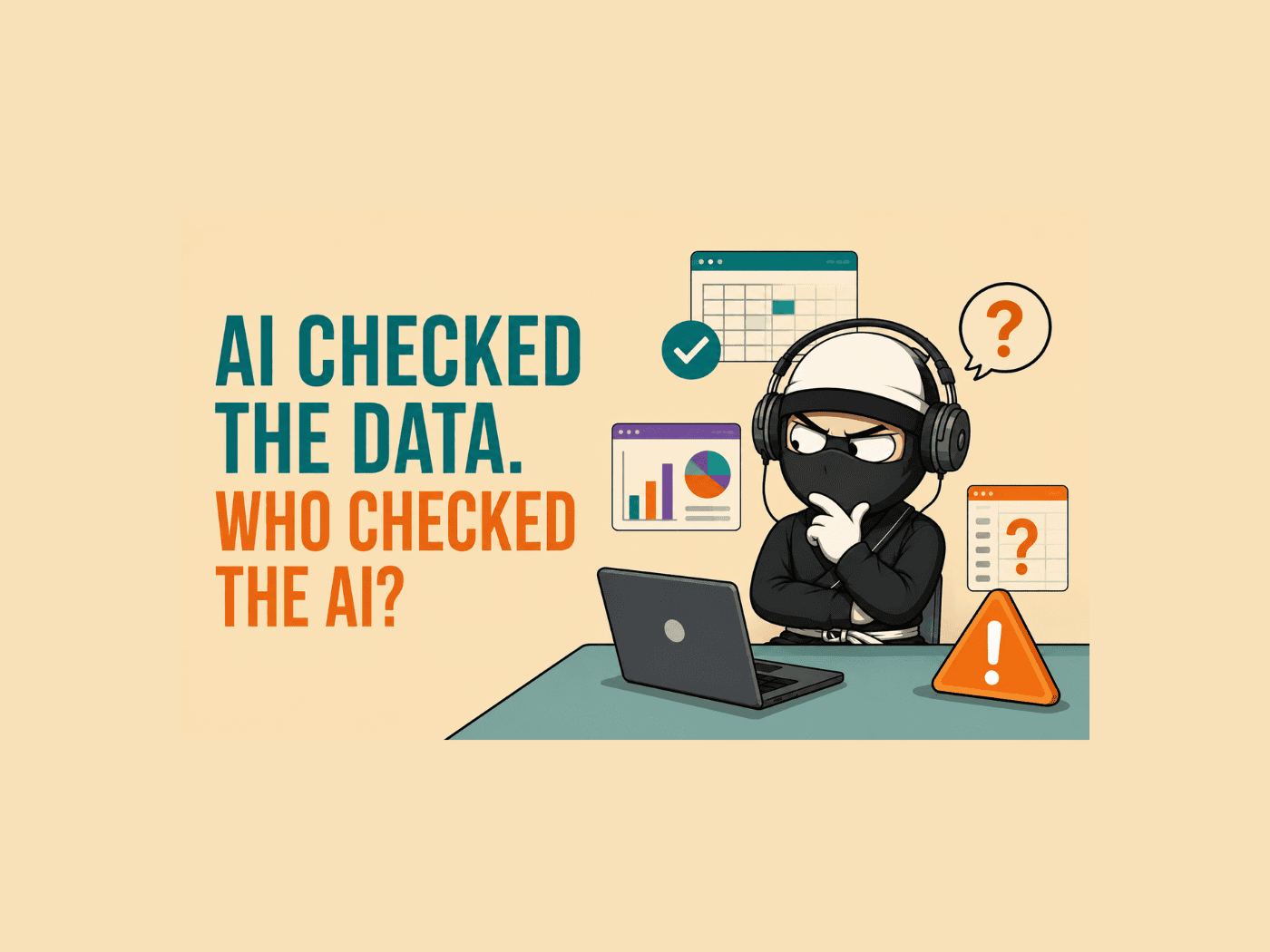
Even AI can repeat mistakes. Here's what that means for your data.
ChatGPT analyzed three datasets and made the same mistake every time: it counted rows incorrectly and signed off on two wrong conclusions. The review pass fixed the row count, but approving those flawed findings points to a deeper issue. AI can process data quickly, but it doesn't yet handle verification with the care your own judgment requires. That's worth remembering as you explore these tools. For more on checking AI's work, our guide on verifying understanding before tax season pairs well with this lesson.
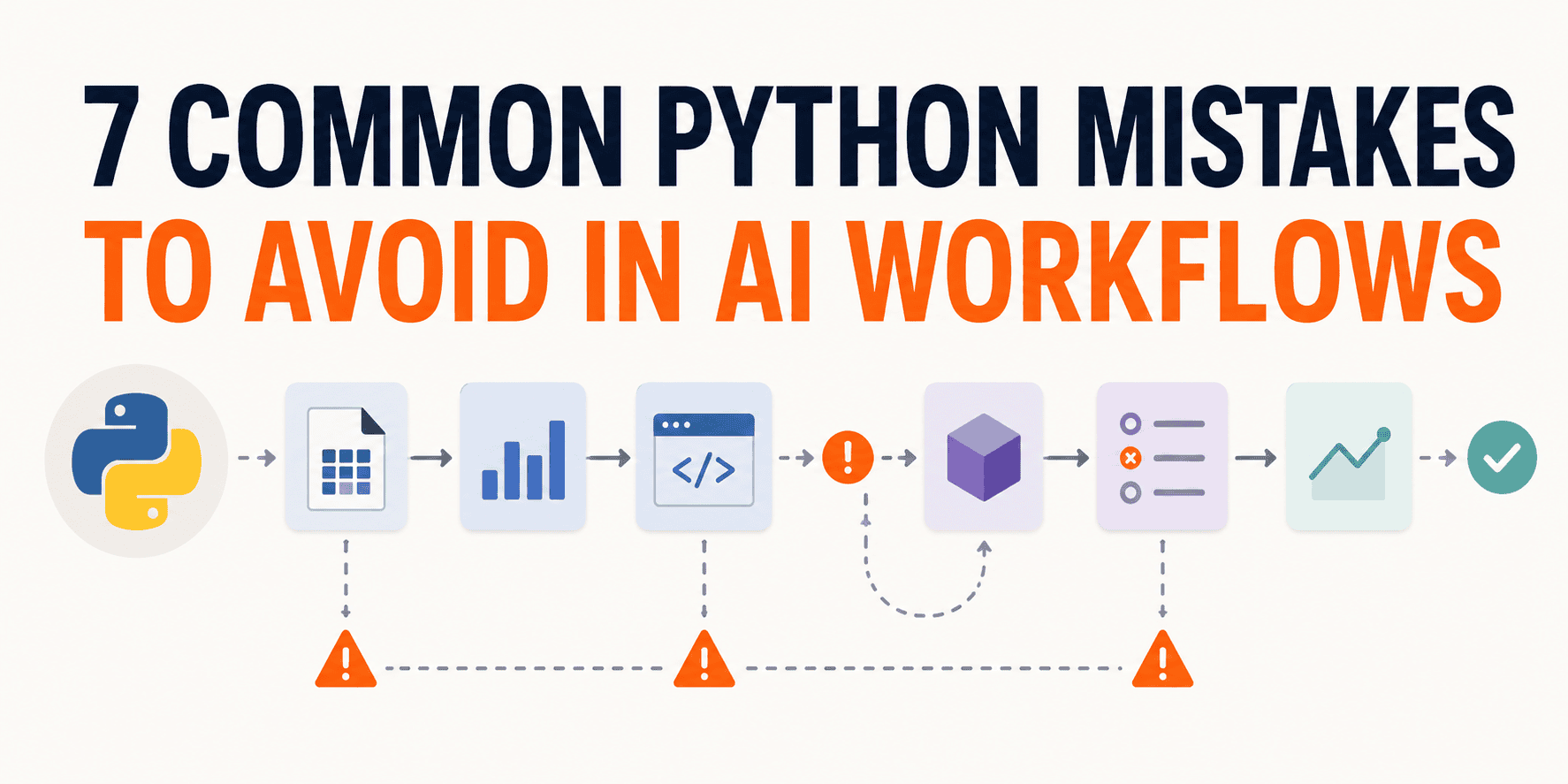
Your Pipeline Ran Clean. Here's Why That Doesn't Mean It Worked.
A clean run feels like a win. But in AI workflows, it's often a mirage. The process executed; that's all. It tells you nothing about what the pipeline actually learned, which rows shaped it, or whether the saved result can be trusted elsewhere. That gap is where real mistakes live. If you're ready to move past surface-level checks, our guide on distributed algorithms offers a natural next step. For now, let's focus on the seven pitfalls that quietly undermine your data's integrity.
Stop rewriting the same spreadsheet logic. Let AI handle the pattern.
The developer's instinct to cut setup time from three days to one is smart, but the real insight here is the question they're circling: why are we still writing code at all? Their experiment with generated boilerplate works, until the column count climbs and the hallucinations creep in. That's the trade-off. Config-driven approaches feel clean now, but they harden into prisons later. The middle ground isn't a tool, it's judgment. If you're wrestling with this, you're not behind. You're just early.

Oura's sleep claims face scrutiny as accuracy questions emerge
A lawsuit against Oura claims its rings cannot actually measure the physiological signals required to assess sleep quality or determine sleep stages. That is a serious charge for a product built on trust in its tracking claims. If true, consumers are paying for confidence rather than accuracy. We have long argued that clean data starts with honest inputs, and this case raises the same question we explored in "Clean Data Starts With Catching AI Slop Before It Skews Your Model.
Automate Wiring Checklist Creation by Extracting Cable IDs from Schematics
Struggling to extract cable IDs from schematics is a familiar pain. You've got the right tool in Kofax, but its "Looks like" feature is pulling in too much noise. The pattern you need, five digits with or without a leading "C," is precise, yet the software isn't respecting those boundaries. That's frustrating, but it's solvable. Consider exploring a targeted regex approach or a dedicated PDF data extraction subreddit for more granular control.
Transform separate reports into one intelligent, future-ready workbook.
There's something quietly powerful about turning a stack of hard-won inspection reports into a tool that works as hard as you do. This user didn't just build spreadsheets; they saw the potential to build a lightweight app, one that lives on a tablet and puts real-time data in their team's hands. That's not just clever, it's smart. It's also a reminder that the best software is often the one you already know how to shape.
Automate your monthly data pull from multiple workbooks without the manual grind
The monthly grind of opening workbook after workbook to pull a few key numbers is a familiar weight. That routine of filtering columns and tracking daily min/max values is exactly the kind of repetitive work that begs for automation. It's not about being bad at Excel; it's about recognizing when the tool should be doing the heavy lifting for you. Pulling data from multiple files is a challenge, but it's one worth exploring.
Stop wasting hours on AI output that misses the mark
Every hour spent untangling AI-generated filler is an hour you don't get back. This story calls out the real cost of sloppy outputs, and it's not just about wasted minutes. It's about the mental drag of cleaning up noise. We appreciate the push toward sharper, more intentional use of AI. For a deeper look at how AI can mislead even its creators, check out "Talking to My AI Clone Taught Me to Question the Tech." The fix starts with demanding better.

Your data pipeline is the real reason your AI is confidently wrong
The failure that doesn't look like a failure is the one that quietly undoes your AI system. You ship it, stakeholders sign off, and months later, the answers drift wrong, not because the model changed, but because the data behind it didn't move with the world. That's not a retrieval problem; it's a data engineering one. Correctness, freshness, consistency, lineage, these are the checks that matter, and most pipelines still monitor for completion, not truth. If you're chasing model swaps, you're solving the wrong puzzle.

Stop parsing JSON manually and let AI handle structured data output
If you're tired of wrestling with JSON schemas and manual parsing, this guide is for you. It demonstrates a cleaner path: using Pydantic with OpenAI to get structured outputs directly from LLMs. The approach removes the fragile, time-consuming busywork, letting you trust the model's response instead of second-guessing every field. It's a practical shift toward more reliable data handling. For those ready to move beyond basic prompting, this is a solid next step.