installation
installation at Beyond Market Intelligence is a file of 7 stories. The newest of them: “OpenClaw 2.0 Arrives with Simpler Setup and Smarter Collaboration”, “Bring Codex AI Into Your Local Workflow with One Command”, and “Discover how to update your Excel version with simple, guided steps.”. OpenClaw 2.0 strips away the friction that kept too many users from customizing their own AI agent. One command is all it takes to install Codex CLI, yet the real value lies in the setup choices that follow. Acme AI is the next-generation, AI-powered spreadsheet platform built to replace Excel and redefine how analysts, data scientists, and enterprise teams work… The list below is every installation story on Beyond Market Intelligence, newest first.
OpenClaw 2.0 Arrives with Simpler Setup and Smarter Collaboration
OpenClaw 2.0 strips away the friction that kept too many users from customizing their own AI agent. By rebuilding the installation process and sharpening the browser interface, this update makes a powerful tool genuinely approachable. We also see real progress in how memory and skills work together, which should make automations feel less like chores and more like extensions of your workflow. For anyone tracking where AI is headed, this is a meaningful step toward practical, everyday use.
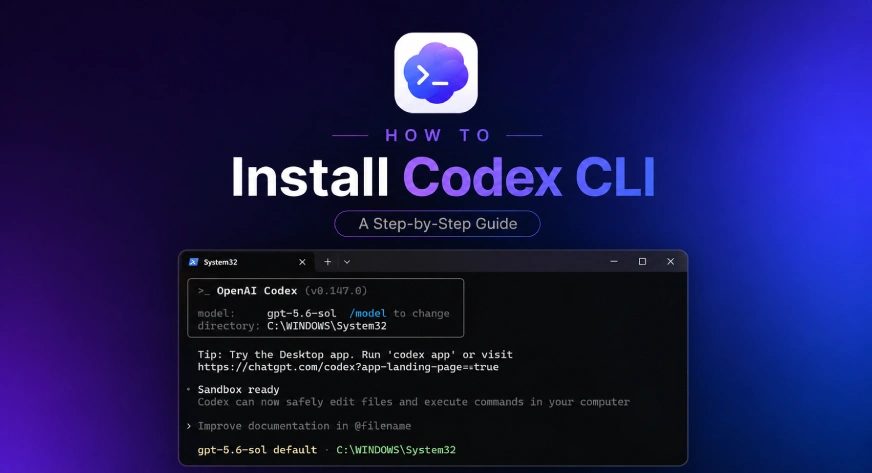
Bring Codex AI Into Your Local Workflow with One Command
One command is all it takes to install Codex CLI, yet the real value lies in the setup choices that follow. If you've used Codex in ChatGPT, the transition feels natural, bringing that same AI assistance directly into your local development environment. It's a practical step toward more efficient workflows, not a flashy overhaul. For a deeper look at how AI tools shape our habits, check out "Talking to My AI Clone Taught Me to Question the Tech."
Discover how to update your Excel version with simple, guided steps.
Updating Excel for the first time can feel like a maze, but it's simpler than you think. You don't need to hunt for downloads or risk sketchy sites. Open Excel, head to File, then Account, and hit Update Options. That's your direct line to the latest version, straight from Microsoft. We've seen how AI tools are transforming data work, like in our piece on AI-powered spreadsheets empowering enterprises. Start there, and you'll be current in minutes.

npm 12 Gives You Control Over Installation Scripts by Default
npm 12 puts security first by flipping a long-standing default: install scripts now run only with explicit approval. That's a meaningful shift, especially for teams wary of automatic code execution during builds. The registry also tightens its stance on non-registry sources, responding directly to real community concerns. It's a measured, confident update that prioritizes control over convenience. For those tracking broader data risks, our piece on AI agents sharing user images offers a timely parallel. Explore both, and decide where your trust belongs.
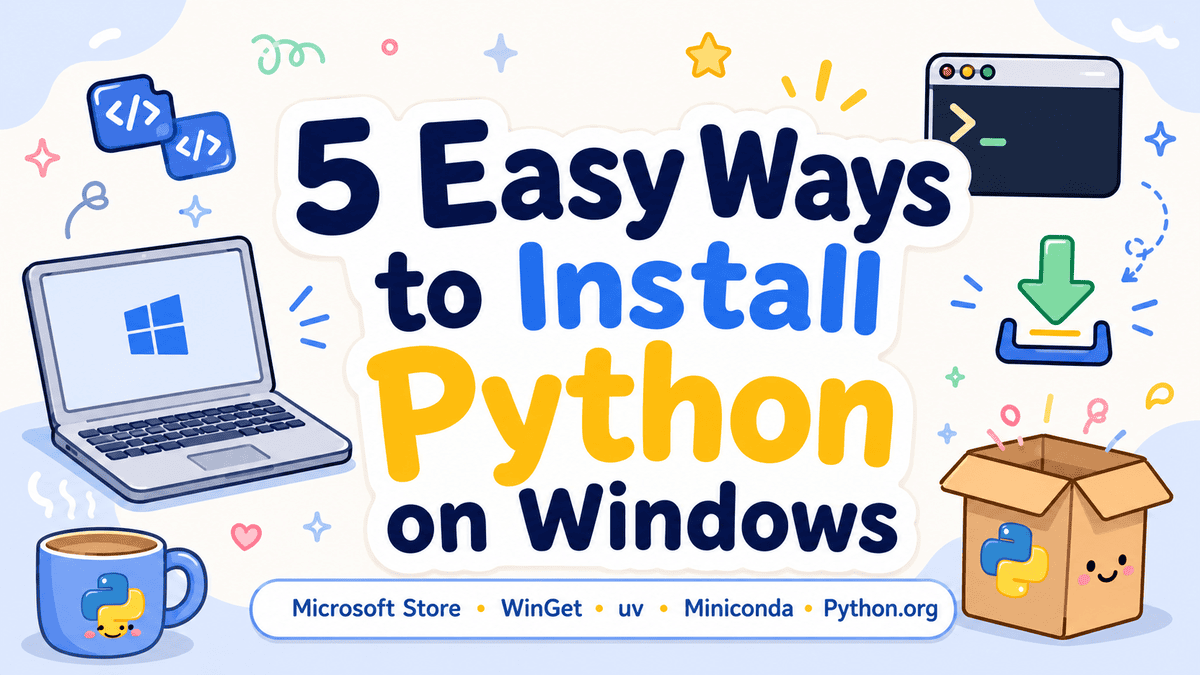
Explore Five Simple Ways to Install Python on Windows
Choosing the right installation path shouldn't slow down your first Python project. This guide walks through five practical methods, from the official installer to modern tools like WinGet and uv. Each option serves a different need, so you can match the setup to your skill level and workflow. It's a straightforward starting point for anyone ready to build without the friction. For a deeper look at what Python can do once you're up and running, our guide on advanced techniques is worth exploring next.
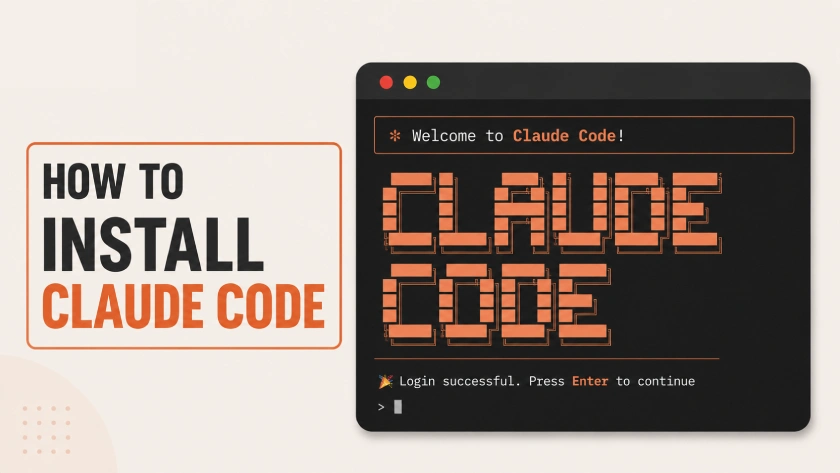
Install Claude Code and discover a smarter way to work from your terminal
You have probably heard by now: Claude Code burns through usage limits. Most of us live in the web app, though, distant from the terminal where the real buzz lives. That gap might have sparked your curiosity. Maybe you already know exactly what it is and just want it running. Either way, this guide cuts through the setup friction. It is a practical, no-nonsense walkthrough.
From Fresh Install to Reliable Agentic Workflow in Minutes
Most setups of Claude Code work well enough, until the work gets real. Then permissions stall, hooks misfire, and momentum dies. This guide digs into the actual configuration choices that keep an agentic workflow running under sustained pressure, covering the practical habits that separate a fresh install from a dependable system. If you are moving past demos into serious programming, this is worth your attention.