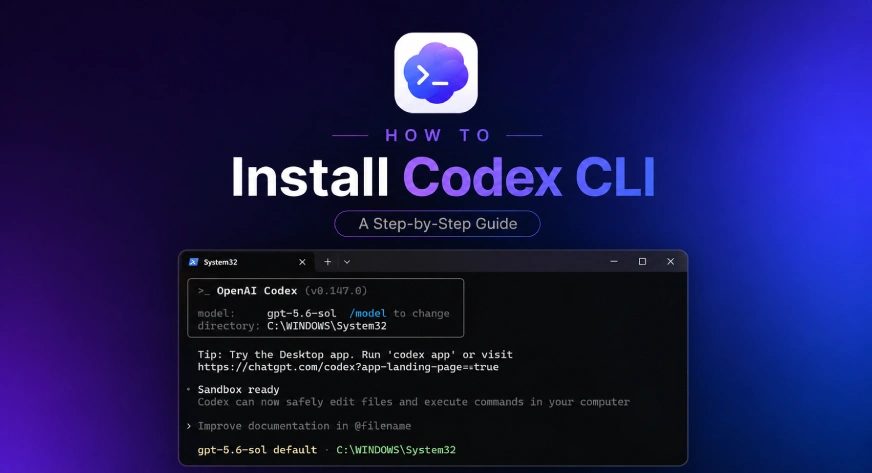
There's a quiet kind of power in a tool that feels familiar the moment you meet it. If you've used Codex in ChatGPT, the Codex CLI promises that same conversational intelligence, but it moves out of the chat window and into your local development environment. That is a meaningful step. The install is straightforward: a single command, but the choices that follow deserve your attention. We agree, and we'd go further: the setup choices are the actual product. The command gets you in the door; the decisions about permissions, workflow, and integration determine whether the tool becomes a collaborator or just another terminal window you ignore.
This is where the conversation gets interesting, because it connects to a broader tension we keep circling in our coverage. For instance, in Talking to My AI Clone Taught Me to Question the Tech, the author wrestles with the gap between what an AI appears to know and what it actually does. That same gap applies here. Codex CLI is not a magic wand; it's a system that needs boundaries, configuration, and a user who understands its limits. Similarly, Explore how AI agents learn by editing context, not model weights reminds us that agents improve by adjusting their context, not their core. That is exactly what you are doing when you configure a CLI: you are shaping the context so the tool performs better in your specific repo, with your shell, against your tests. The setup is not a chore; it is the first act of agentic learning.
Our honest take is that most users will rush past the configuration screen and pay for it later. The setup choices are worth reviewing, but we would push that further. What you are really doing during setup is deciding how much trust to extend. Do you let the tool run tests automatically? Does it have access to your git history? These are not trivial preferences; they are the difference between a helpful assistant and a liability. If you ask us, the smart move is to treat the initial install as a draft. Run it, watch what it does, then tighten the permissions. The tool rewards iteration, not blind adoption.
The takeaway worth quoting: the one-command install is the least important part of the process. The real work, and the real value, lives in the configuration choices you make after the prompt returns. Watch how the tool behaves in your environment, then adjust. That is not a one-time task; it is a habit. And in a world where we are increasingly Verifying our AI's understanding, the same principle applies to your local setup. Test it, question it, and let it earn its place in your workflow.