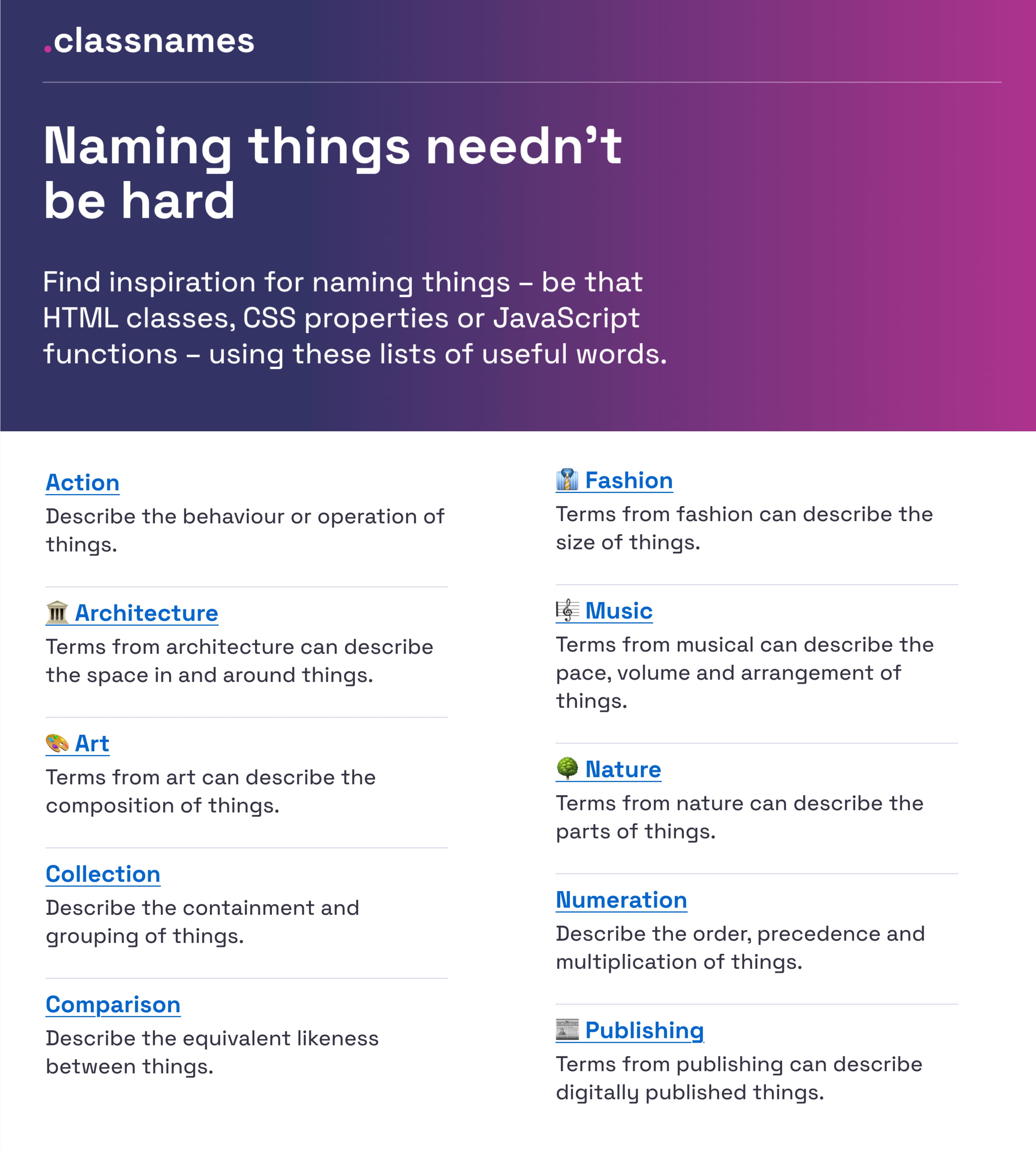
Naming things in a spreadsheet is rarely treated as a real problem. We throw together labels like "Data2" or "Final_v3" and move on, only to spend hours later untangling what those names actually mean. The same struggle plays out across UI components, design tokens, and variables. The guide we are looking at today makes a compelling case that this isn't a minor inconvenience; it is a fundamental friction point that slows teams down, confuses users, and quietly undermines adoption. We agree, and we would go further: the discipline of naming is one of the most underrated productivity levers available to anyone building tools, whether they are designing a button or structuring a complex financial model.
The practical resources here are genuinely useful, from the Classnames repository for HTML and CSS inspiration to Intuit's deep dive into building a flexible design token taxonomy. But the most striking insight is the emphasis on user language. Erin Gannon's advice on naming features by tapping into how people actually describe their problems resonates strongly with what we see in spreadsheet work every day. When a user cannot find a feature, it is often not because the feature is hidden, but because the name we chose does not match their mental model. This connects directly to the frustrations we have covered before, like when When VLOOKUP Works in One Spreadsheet but Not the Other becomes a mystery that is really just a naming and structure issue in disguise. The same logic applies when When nested formulas slow your data to a crawl, it's time to rebuild smarter; the mess is often a symptom of unclear labels and ambiguous references that compound over time.
What makes this guide stand out is its refusal to offer a single, rigid convention. Instead, it provides a toolkit of approaches, from the Vodafone UK Variables Taxonomy Map to the Component Gallery's collection of alternative names for common UI elements. This flexibility is the right call. A name that works for a small internal team may fail completely when exposed to a broad user base. The guide's point about avoiding names tied to visual properties is particularly smart. Calling a button "Blue Submit" breaks the moment you change the theme, and the same principle applies to spreadsheet cells or sheets named after colors or positions rather than function. Naming should describe what something does or represents, not what it looks like right now. That is a lesson that scales from design systems to data models.
The takeaway here is direct: audit your current names before you build anything new. Look at your most confusing spreadsheet tabs, your least-used features, your ambiguous variables. Ask a colleague to explain what they think a component does based solely on its name. If they hesitate, you have found your problem. The guide mentions that low adoption might merely be a naming issue, and we think that is a profound observation worth acting on immediately. The next time something is not working, resist the urge to rebuild the logic or add more instructions. Change the name first. You might save yourself three hours of untangling, and you will certainly spare your users the frustration of speaking a different dialect than the one your interface uses. That is not guesswork; that is deliberate design.