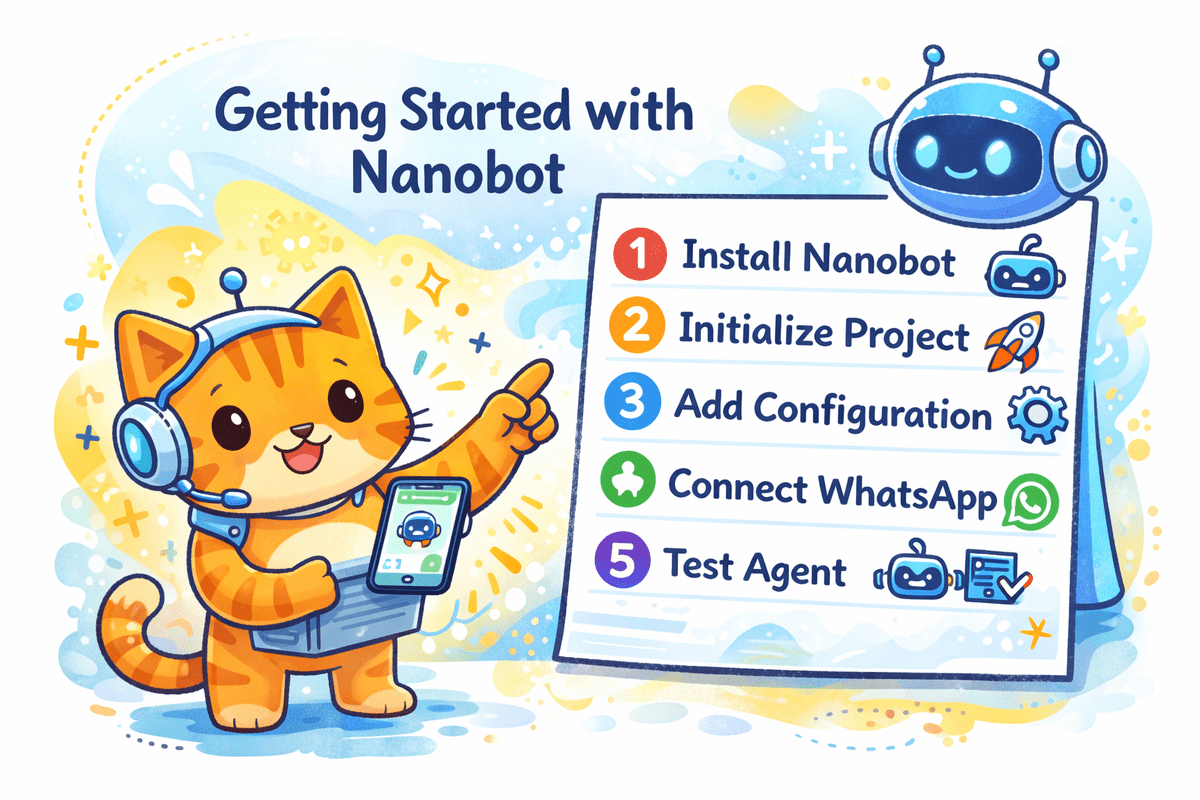
Building an AI agent that actually works, not a demo, not a proof of concept, but something you can text from your phone and get a useful answer back, has been harder than it should be. The tutorial on setting up Nanobot, connecting it to WhatsApp, and powering it with OpenAI GPT-5.3-Codex changes that. It gives you a clear path from zero to a deployed, always-on assistant in what feels like minutes, not weeks.
Here's what matters most: this isn't about abstract potential. It's about a concrete workflow that removes the friction that keeps most people from ever finishing a project like this. Nanobot handles the infrastructure layer, the part that usually involves wrestling with APIs, webhook configurations, and server uptime, so you can focus on what the agent actually does. Connecting it to WhatsApp means your agent lives where you already communicate. No new app to learn, no dashboard to check obsessively. You text it, it responds. That simplicity is the difference between a tool you try once and a tool you rely on daily.
The choice of GPT-5.3-Codex is worth pausing on. This isn't a general-purpose chatbot dropped into a messaging app. Codex variants are optimized for reasoning and code generation, which means the agent can do more than answer questions. It can parse structured data, generate formulas, write scripts, and explain its logic in plain language. For anyone who has spent hours debugging a spreadsheet formula or manually reformatting exported data, that capability is immediately valuable. The tutorial shows you how to configure the model's parameters, temperature, max tokens, system prompts, so the agent behaves consistently, not like a random idea generator.
What we appreciate most is the emphasis on practical deployment. The guide walks through authentication, message handling, and error logging. These are the boring details that separate a working agent from a broken one. It also explains how to keep the agent "always on" without paying for idle compute time. That's not just a technical detail; it's a design philosophy. An agent that shuts down when you close your laptop is not an agent. It's a script. Nanobot's architecture, combined with a serverless or low-cost hosting setup, makes persistence affordable.
If you have been waiting for the right moment to build your first AI agent, this is it. The tutorial strips away the mystery and leaves you with a repeatable process. Start with WhatsApp and a single use case, maybe something as simple as a daily summary of your project tracker or a bot that answers common questions from your team. Once you see it work, you will know exactly where to take it next.