formula generator
formula generator at Beyond Market Intelligence is a file of 108 stories. The newest of them: “Automate Aircraft Logbooks by Linking Staff Numbers to Engineer Names”, “Find the online data platform that truly fits how you learn.”, and “Explore smarter ways to calculate age with tested formula approaches”. Are you struggling to link engineer names with their staff numbers in your aircraft maintenance logbook? Are you exploring the best platforms to learn data skills online? Acme AI is the next-generation, AI-powered spreadsheet platform built to replace Excel and redefine how analysts, data scientists, and enterprise teams work… The list below is every formula generator story on Beyond Market Intelligence, newest first.
Automate Aircraft Logbooks by Linking Staff Numbers to Engineer Names
Are you struggling to link engineer names with their staff numbers in your aircraft maintenance logbook? If your VLOOKUP formula only returns the last name in the list, you're not alone. This common challenge can hinder your automation efforts, particularly when managing multiple engineers. By understanding how to properly set up your formulas, you can seamlessly populate names based on staff numbers. Keep reading to discover a straightforward solution that will help you streamline your logbook and enhance your workflow.
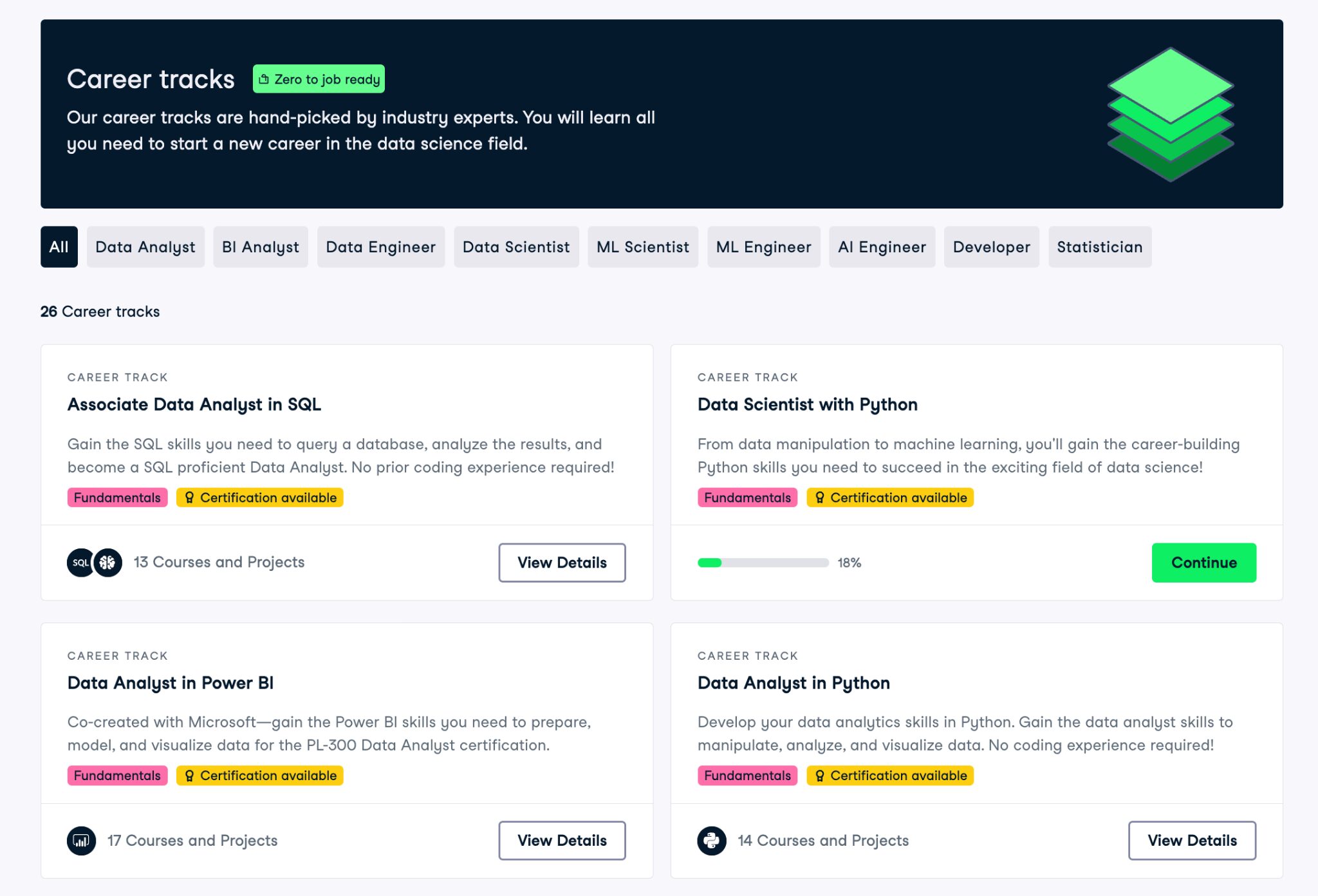
Find the online data platform that truly fits how you learn.
Are you exploring the best platforms to learn data skills online? If you're considering DataCamp or looking for alternatives, you're not alone. Many learners seek a solution that truly fits their needs. In this guide, we'll compare top DataCamp alternatives side by side, highlighting their unique offerings and advantages. By the end, you'll have a clearer picture of which platform aligns best with your learning style and goals, empowering you to make an informed choice for your data journey.
Explore smarter ways to calculate age with tested formula approaches
Calculating age in Excel can be deceptively tricky, as a recent discussion revealed. While many users seek formulas to determine a person's age in whole years, the accuracy of these methods varies significantly. I gathered several suggested formulas and tested them against a massive dataset of birth dates and "as at" dates. The results? Only 3 out of 11 methods achieved 100% accuracy.
Simplify Date Extraction Across Your Spreadsheets with AI
Are you frustrated with inconsistent date formats in your spreadsheet? You're not alone—many encounter this challenge while trying to streamline financial data. In your case, the TEXT formula should ideally standardize dates to mm/dd/yyyy, but unexpected variations can arise from the way data is copied and pasted. Let's explore why certain entries resist formatting consistency and uncover practical solutions to ensure your records align seamlessly. Stick around to discover tips that will transform your data management process for good!
When Your Spreadsheet Forgets How Time Works
Struggling with Excel's age calculations can be frustrating, especially when it misrepresents something as meaningful as your dad's birthday. If you've entered his birthdate correctly but still see an incorrect age, you're not alone. The formula you've used, =DATEDIF(B6,TODAY(),"Y"), is meant to provide accurate results, but formatting issues might be at play. Let’s dive into the common pitfalls and solutions that can help ensure your family’s ages are displayed accurately—so you can celebrate those milestones without any confusion.
Discover How AI Simplifies Duplicate Data Extraction from Spreadsheets
Struggling with legacy reporting processes can feel like a never-ending cycle, especially when it comes to extracting unique data efficiently. If you’re looking to streamline your report automation while handling multiple entries for cases, there’s a way forward. By leveraging advanced Excel functions, you can create a dynamic solution that consolidates pet names by case ID without relying on UNIQUE or FILTER functions. Continue reading to discover step-by-step strategies that will transform your data handling and simplify your reporting process.

Simplify messy data with AI-powered tools that go beyond traditional formulas.
Struggling to organize your data in Excel? You’re not alone—separating text from numbers or parsing data based on specific delimiters is a common challenge for many users. Fortunately, Excel formulas provide powerful solutions to tackle these tasks effortlessly. In this guide, we'll explore practical methods to separate all sorts of data, making your spreadsheets cleaner and more effective. Keep reading to unlock these essential techniques and transform the way you manage your information.
Discover smarter ways to shade dynamic row groups in your spreadsheets
Are you tired of manually shading rows in your donation tracking spreadsheet? Automating the shading of alternating blocks based on donor initials can streamline your reporting process, making it visually clearer to differentiate between donors. With the right Excel formula or macro, you can effortlessly highlight these groupings, ensuring that your data not only looks organized but also enhances your productivity. Dive in to discover how to simplify this task and transform your spreadsheet into an intuitive tool for tracking donations.
Draft 2380 names to 55 groups without repeats using weighted selection
Are you struggling to create a "draft simulation" that ensures a weighted random selection of names without repeats? If you have a list of 2,380 names and want to divide them into 55 groups over multiple rounds, you're not alone. Many users face similar challenges with legacy spreadsheet tools that can feel limiting. By harnessing the power of AI-native solutions, you can simplify this process and achieve the outcomes you desire.
Cut Through the Noise: Discover the Data Skills That Actually Matter
Navigating the whirlwind of data skills advice can feel overwhelming, especially when every post seems to advocate for a different path. You might find yourself wondering what truly matters in the fast-evolving landscape of data science. The 2026 Data Skills Roadmap cuts through the noise, offering a clear vision of essential skills that will empower you to thrive. In this guide, we’ll explore the most relevant competencies to prioritize, helping you focus on what drives real impact in your career.

Explore how AI is reshaping what spreadsheet mastery truly means today
Are you feeling overwhelmed by the sea of Excel certifications available today? Whether you’re job hunting and encountering “Excel proficiency required” in listings or seeking formal recognition for your existing skills, it’s crucial to choose the right path. The challenge lies in the terminology—some programs label themselves as "certifications," while others may not meet your expectations. In this guide, we’ll clarify the options and help you find the certification that aligns with your goals, empowering you to enhance your career prospects and stand out in
Redesigning human checks to include every user.
CAPTCHAs were designed to keep bots out, but they often end up locking out individuals with disabilities. From complex image classifications to click-based tests, these "human checks" can create significant barriers. The challenge lies in finding authentication methods that are truly inclusive and accessible. By understanding the real needs of users, we can begin to address the accessibility problem in online security. Read on to explore innovative solutions that prioritize inclusivity while safeguarding digital spaces.