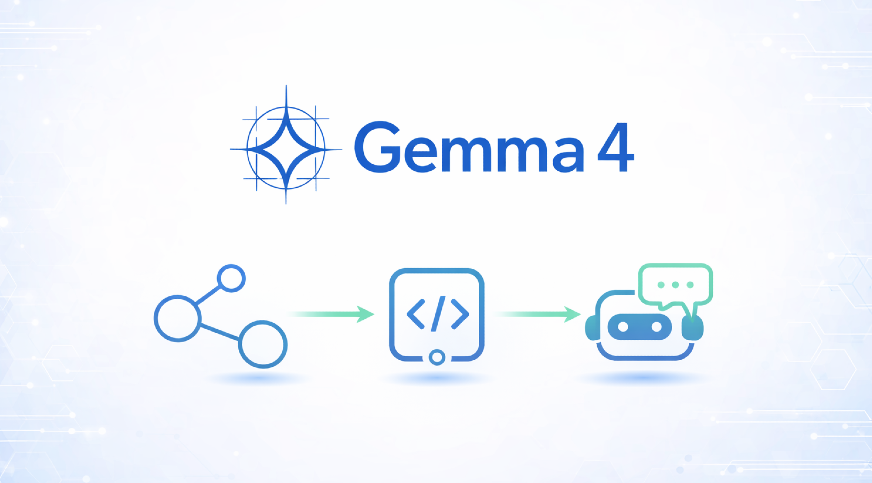
Function calling is the quiet bridge between a large language model and the real world, and Gemma 4's implementation deserves serious attention. The example in the guide, asking about Tokyo's weather and having the model actually invoke your Python function instead of guessing, isn't just a neat trick. It's the difference between a chatbot that sounds confident and an agent that delivers verified, actionable results. For developers and analysts who have grown tired of wrestling with brittle outputs, this is a practical step forward, not a theoretical promise. We think that's worth pausing on, because it signals a shift in what open-weight models can do without requiring a team of engineers to orchestrate every move.
What this means for you is simpler than it sounds. Instead of building elaborate workarounds to force a model to follow a schema or hope it stumbles onto the right answer, you can now define functions once and let the model decide when to call them. The guide walks through the mechanics in a way that feels less like reading documentation and more like having a patient colleague explain the flow: you outline the tool, the model parses the user's intent, it triggers the function, and the result comes back cleanly. That's not just convenient; it changes the calculus for prototyping. You can test a weather bot, a database query assistant, or an internal reporting tool in an afternoon, not a sprint. The barrier to entry drops, and that's exactly the kind of accessibility we want to see more of in the AI space.
But let's be clear about what this isn't. This isn't a magic wand that turns every spreadsheet into a self-driving data pipeline. The function calling works because it's grounded in your code, which means you still need to define the functions thoughtfully, handle edge cases, and decide what happens when the model misinterprets a request. The guide is honest about that: it shows you the steps, but it doesn't pretend the model is infallible. That honesty is refreshing, and it's why we trust the approach. It treats the model as a capable assistant that still needs a human architect, not as an oracle. For teams that have been burned by overhyped AI demos, this grounded perspective is a relief.
Our take is straightforward: if you've been waiting for a reason to build a real AI agent without spinning up a massive infrastructure, Gemma 4's tool calling is a solid place to start. Start with one function, one use case, and one clear expectation of what success looks like. The Tokyo weather example is a fine template, but the real win is when you adapt that pattern to your own data, pulling live inventory numbers, checking project statuses, or validating user inputs against your own systems. That's where the value compounds. So open the guide, follow along with your own function, and see how quickly a model stops guessing and starts doing.