automation
automation at Beyond Market Intelligence is a file of 255 stories. The newest of them: “Explore AI-powered video editing: Transform your creative workflow”, “Scale Sandboxes Instantly: A New Approach to Concurrent AI Workloads”, and “AI-Powered Spreadsheets Empower Enterprises, Ema Secures $77M”. Video editing has always felt like a battle against the clock and the timeline. Modal's staff engineers Colin Weld and Connor Adams didn't just tweak their sandbox setup; they rebuilt it from the ground up. Acme AI is the next-generation, AI-powered spreadsheet platform built to replace Excel and redefine how analysts, data scientists, and enterprise teams work… The list below is every automation story on Beyond Market Intelligence, newest first.

Explore AI-powered video editing: Transform your creative workflow
Video editing has always felt like a battle against the clock and the timeline. We're genuinely excited to see AI step into that space through a conversational chat interface. This approach doesn't just automate tasks; it hands the creative control back to you, making the entire process feel less like a technical hurdle and more like a natural extension of your vision. It's a practical step toward a more intuitive workflow.

Scale Sandboxes Instantly: A New Approach to Concurrent AI Workloads
Modal's staff engineers Colin Weld and Connor Adams didn't just tweak their sandbox setup; they rebuilt it from the ground up. The result is infrastructure that handles millions of concurrent sandboxes and tens of thousands of creations per second. That's the kind of scale that makes concurrent AI workloads feel almost routine. It's a smart, grounded look at what it takes to move past legacy limits. For more on practical AI adoption, our guide to unlocking ChatGPT for work is worth a look.

AI-Powered Spreadsheets Empower Enterprises, Ema Secures $77M
Ema just closed a $77 million round, bringing its total funding to $140 million, and it already counts Google and Microsoft among more than 50 enterprise customers. That kind of traction signals something real: businesses are ready to trust AI-native tools with serious data work. We've long argued that spreadsheets shouldn't be static, and Ema is proving the shift is happening now. If you're exploring how AI can reshape your own workflows, our piece on verifying AI understanding offers a practical starting point.

Greece's PM: AI's Future Demands More Than Yesterday's Solutions
When Greek Prime Minister Kyriakos Mitsotakis sat down with us on his trade mission, he didn't just pitch his country. He admitted something refreshingly honest: no government is ready for what AI is about to do. That kind of candor stands out. It suggests we're all scrambling to keep pace, and that's okay. Acknowledging the gap is the first step toward building smarter policies.
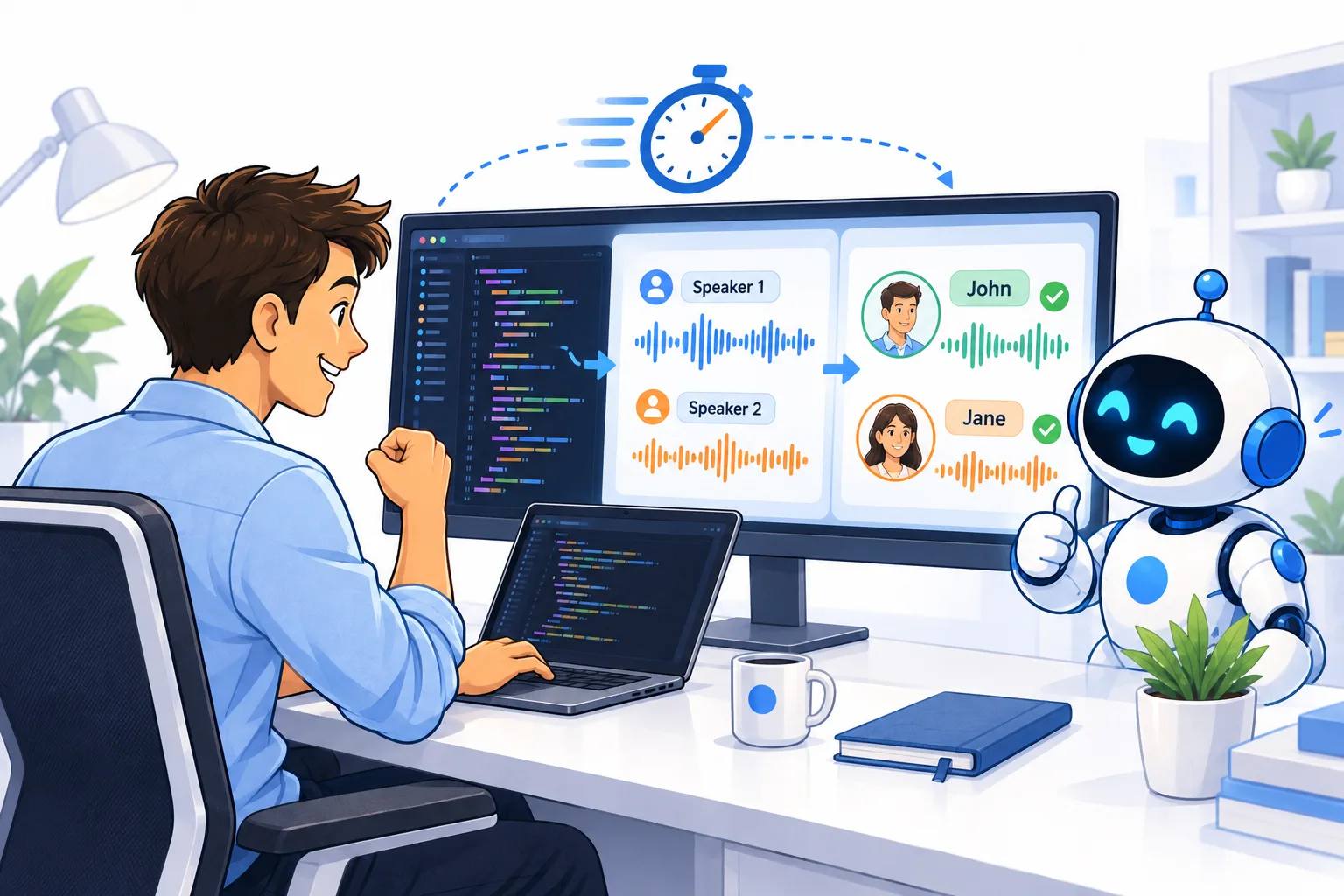
Code an Internal Speaker Recognition Tool with Claude
If you've ever wrestled with identifying who's speaking in a meeting recording, building a speaker-recognition tool from scratch can feel like a heavy lift. This guide walks through coding one internally with Claude, turning a complex audio challenge into a practical, hands-on project. It's a smart, accessible approach for teams ready to move beyond manual transcription. For a broader look at how AI handles real-world inputs, you might also enjoy *Exploring Real-World Computer Vision*, it pairs nicely with the concepts here.
Exploring OpenAI: How AI is Reshaping Data Ownership and Access
Data ownership used to feel like a settled argument, but AI is quietly rewriting the terms. As models learn from our spreadsheets and inputs, the question isn't just who holds the files, but who controls the insights hidden inside them. That shift deserves attention. We explore how OpenAI's tools are pushing this conversation forward, challenging old assumptions about access and authority.

See Hello Robot’s Stretch 4 in Action at TechCrunch Disrupt
Hello Robot is bringing Stretch 4 to TechCrunch Disrupt 2026, and CEO Aaron Edsinger will show it live on the Real World AI Stage. That direct demo matters. Seeing a physical system work in real time is far more convincing than reading about its capabilities. We think that hands-on approach fits how people actually want to evaluate new tools. Register before September 25 to save up to $200, and you can grab a second pass at half price.

Explore AI Agents: How Instinct Automates Tasks Within iMessage
Most spreadsheet users know the feeling of wrestling with repetitive tasks inside iMessage. Instinct changes that by automating those actions directly within the app. AI agents handle the busywork, letting you focus on the conversation, not the cleanup. It is a practical look at a tool that finally makes automation feel approachable. For a deeper understanding of how AI interprets structure, check out "Exploring Paragraph Structure: How LLMs Navigate Token Space."
Speed Isn't Everything When AI Does the Work You Used to Own
One near miss, and four months of running agents left a writer asking a sharper question than any bug report: what are you supposed to do while the AI writes the code? The speed is real, but so is the quiet erosion of judgment. This isn't a warning against automation; it's a call to stay present in the loop. If you're navigating similar shifts, our guide to distributed training offers a practical foothold for keeping your skills sharp.

Discover how Vantora builds industrial startups with physical AI.
Vantora, formerly UP.Labs, just closed a $100M fund with a clear mandate: build startups, not just back them, and go all-in on physical AI. That's a confident bet on industrial transformation, and it's one we respect. For corporations feeling the weight of legacy systems, Vantora offers a direct path to innovation without the usual friction. The focus is on tangible outcomes, not hype. If you're exploring how AI reshapes practical work, our piece on verifying your AI's understanding offers a useful complement to this announcement.

Keeping up with faster AI agents requires smarter oversight tools
AI agents are being handed longer, more complex tasks, but their speed creates a blind spot: they act faster than any human can review. That gap is the real problem, and the solution feels counterintuitive. We need more AI to oversee it. Not to replace human judgment, but to keep pace with the machine's output. It's a pragmatic step toward making autonomy safe. For a deeper look at how these systems behave in the wild, our piece on shared user images highlights the stakes.

Treble secures $18 million to advance voice simulation for AI systems
Treble, the Iceland-based voice simulation platform, just closed an $18 million round, and it's a clear signal that the demand for realistic synthetic voices is accelerating. AI wearable and robotics developers are turning to Treble to refine how their products sound and respond, which feels like a smart bet on user trust. Voice is becoming a primary interface, and getting it right matters. For more on how these systems are built and challenged, explore our related piece on real-world computer vision deployments.

Unlock natural language control of your smart home with AI agents
Your Google Home just got a whole lot more conversational. Google is rolling out early access to a new MCP server, letting AI agents like Claude and ChatGPT manage your connected devices, pull up camera summaries, and handle smart home tasks through plain language. The move feels like a natural next step for making home automation genuinely accessible. It's not about replacing your routine; it's about simplifying it.
Keep your formulas intact while teams copy rows freely
Protecting formula columns while keeping rows editable is a puzzle many spreadsheet users know well. This user faces a familiar tension: they need columns P and V locked down with formulae, yet the protection blocks the cut-and-paste workflow that keeps monthly data organized. Their three-step workaround is a clear sign the current setup isn't sustainable. The real issue isn't hiding formulae or tweaking settings; it's that protection and row movement don't mix.
Build Your Own ChatGPT Function Inside Excel with an API Key
You're right that Google Sheets has its `=AI` function and Microsoft offers `=Copilot`, but OpenAI hasn't shipped a native `=CHATGPT()` formula for Excel. That doesn't mean you're stuck. With a little VBA and an API key, you can build your own cell-based function that calls ChatGPT directly, then drag it down like any other formula. It's a practical, hands-on way to bring AI into your workflow.
Turn rows of data into columns with one intelligent move
Manually transposing 385 spreadsheets is a recipe for burnout, especially when the fields you need are always in the same spots. This isn't a skill problem; it's a tool problem. The request is simple, but the repetition makes it painfully inefficient. Automating this with a script is the only sane path forward, and it's worth exploring a solution that turns this tedious chore into a one-click win.

Explore how AI agents simplify WhatsApp Business setup and management
Setting up a WhatsApp Business account has always meant wading through templates, testing, and troubleshooting. Meta's new MCP server changes that by letting AI coding agents like Claude and Cursor handle the boring parts. It is a practical step toward making developer workflows less tedious, and we are here for it. For more on how AI handles precise tasks, check out "Verify Your AI's Understanding: A Simple Check for Tax Season." The shift is subtle, but it is worth exploring.

Atlassian Correlates Metrics, Logs, and Traces to Automate Root Cause Analysis
Atlassian is tackling one of the messiest parts of cloud operations: figuring out why things break. Their new approach correlates metrics, logs, traces, and service topology to rank hypotheses about where failures start and how they spread. That is a practical step beyond chasing alerts blind. It feels like the kind of automation that lets teams focus on fixing rather than guessing. For more on how AI handles complex tasks, our guide, "Unlock ChatGPT for Work," offers a useful starting point.
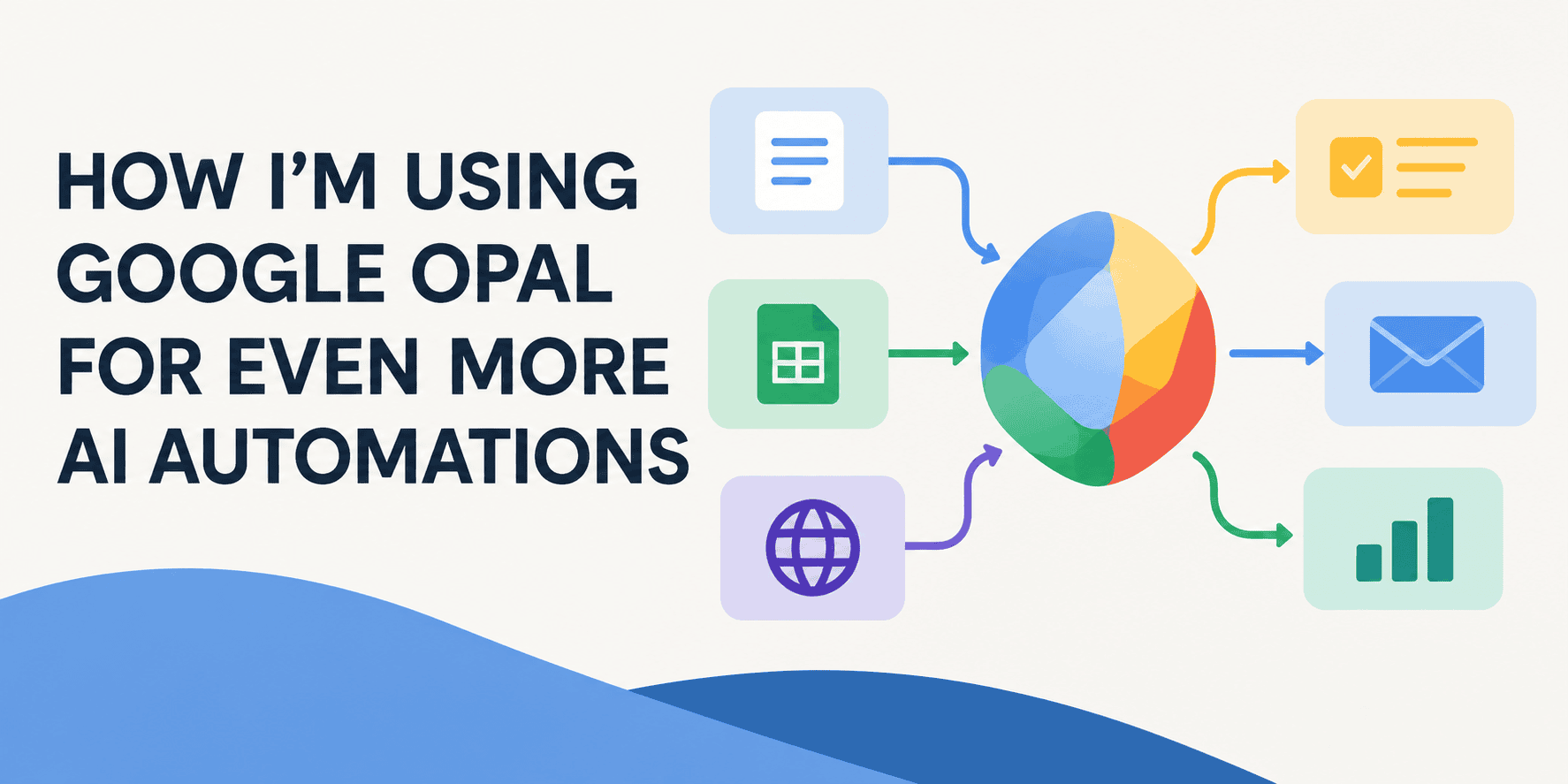
Discover How Natural Language Unlocks Smarter AI Automations
Opal is Google Labs' no-code answer to a very real problem: turning natural language into working AI mini-apps. I've been testing how far it can push automation, and the payoff comes when you stop treating it like a prompt box and start treating it like a builder. It's built on Breadboard, which sounds technical, but the real win is practical. If you're tired of spreadsheet busywork, this tool deserves a look.
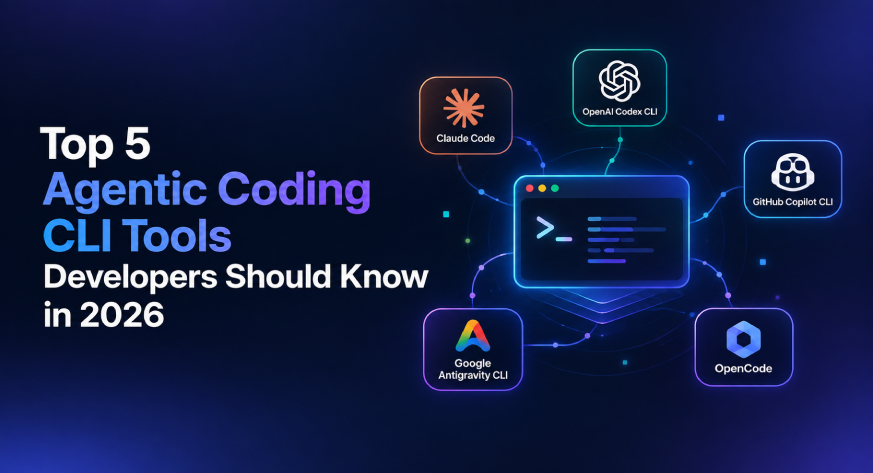
From Terminal Helper to Autonomous Developer: The CLI Evolves
A year ago, terminal AI meant asking a model to explain an error or tweak a function. In 2026, leading coding CLIs operate as full agent runtimes, inspecting repos, planning work, and verifying results. We compare five standouts, including Claude Code and Codex CLI, to show how this shift transforms daily workflows. If you are tracking how AI skills are evolving, our related piece, "Navigating AI/ML Job Requirements," offers useful context on what developers now need. Explore the tools that make complex tasks simpler.

Beyond Prompts and Loops: How Graph Engineering Shapes Smarter AI
The debate over loops versus graphs in AI agent design isn't just technical sparring; it's a signal of how far we've come. Graph engineering moves beyond the linear constraints of prompts and loops, offering a structured way to build workflows that adapt and scale. It's a practical evolution, not a buzzword. For those still wrestling with token-level nuances, our piece on paragraph structure offers a useful parallel. This shift matters because it redefines what we can build, and we're just beginning to explore its potential.

Microsoft's AI code of conduct sets clear safety boundaries for model behavior
Microsoft's new AI code of conduct is a refreshing step toward accountability. It sets clear principles, like supporting humans rather than replacing them, while grounding those ideals in practical safety constraints. That balance matters. Too often, AI guidance stays abstract; this one feels actionable, even if the real test lies in enforcement. It's a thoughtful framework that prioritizes human flourishing without overpromising.

Move Beyond Static Skills to Build Agent Knowledge That Adapts
The panic over agent skills is aimed at the wrong target. Static files aren't the bottleneck; the real shift is treating knowledge as a build artifact, something dynamic and versioned. That costs more than dropping a prompt into a folder. It demands a model where skills evolve with your data, not alongside it. We're not talking about inflation, but about engineering discipline. For a deeper look at how such dynamic thinking applies elsewhere, explore the Forrester Function piece. This is where agent capability gets serious.

Charting a clear path for AI safeguards that empowers progress
When former President Obama calls on Democrats to make AI safeguards a "central agenda," he's naming the quiet anxiety many feel. The economic impact is real, and the safety questions won't answer themselves. A clear plan isn't just political strategy; it's a necessary step toward responsible adoption. We'd add that clarity starts with how we talk about the tech itself. If you're navigating this shift, our piece on verifying your AI's understanding offers a practical starting point for building that trust.