setup
Beyond Market Intelligence keeps setup in one place: 8 stories so far. The section currently leads with “Unlock Continuous Workflows by Exploring OpenAI Dot's Autonomous Agent”, “Explore how AI agents simplify WhatsApp Business setup and management”, and “Your Data, Your Transcription: A Private Self-Hosted Guide”. OpenAI Dot runs as a 24/7 autonomous agent that consumes no usage quota. Setting up a WhatsApp Business account has always meant wading through templates, testing, and troubleshooting. Acme AI is the next-generation, AI-powered spreadsheet platform built to replace Excel and redefine how analysts, data scientists, and enterprise teams work… The list below is every setup story on Beyond Market Intelligence, newest first.
Unlock Continuous Workflows by Exploring OpenAI Dot's Autonomous Agent
OpenAI Dot runs as a 24/7 autonomous agent that consumes no usage quota. That alone makes it worth a closer look. Dot walks through what it actually does, how to access it, and a live analytics exercise that puts the agent to work. If you're exploring agentic workflows, Claude Sonnet 5.5 Delivers Faster Coding Smarter Agentic Workflows and Practical Cost Controls offers a complementary perspective on how different tools approach automation.

Explore how AI agents simplify WhatsApp Business setup and management
Setting up a WhatsApp Business account has always meant wading through templates, testing, and troubleshooting. Meta's new MCP server changes that by letting AI coding agents like Claude and Cursor handle the boring parts. It is a practical step toward making developer workflows less tedious, and we are here for it. For more on how AI handles precise tasks, check out "Verify Your AI's Understanding: A Simple Check for Tax Season." The shift is subtle, but it is worth exploring.
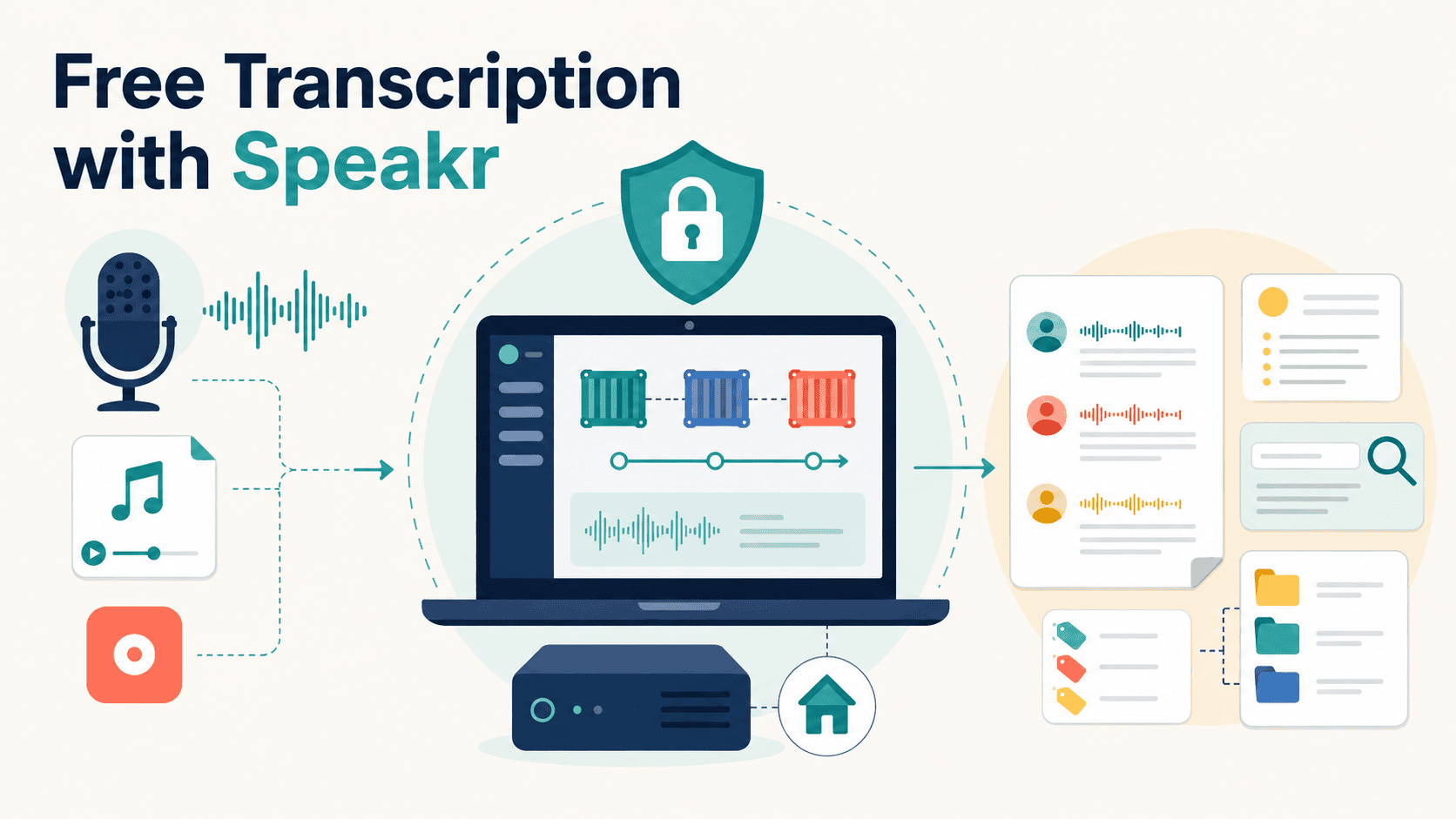
Your Data, Your Transcription: A Private Self-Hosted Guide
If you're tired of sending sensitive recordings to third-party servers, Speakr offers a private, self-hosted alternative. Setup is straightforward, and the real payoff is full control over where your audio lands. We think that matters more as transcription becomes routine. For a broader look at how AI tools handle real-world constraints, our piece on computer vision deployments offers a useful parallel. Start with Speakr's basics, then experiment with its settings to match your workflow.
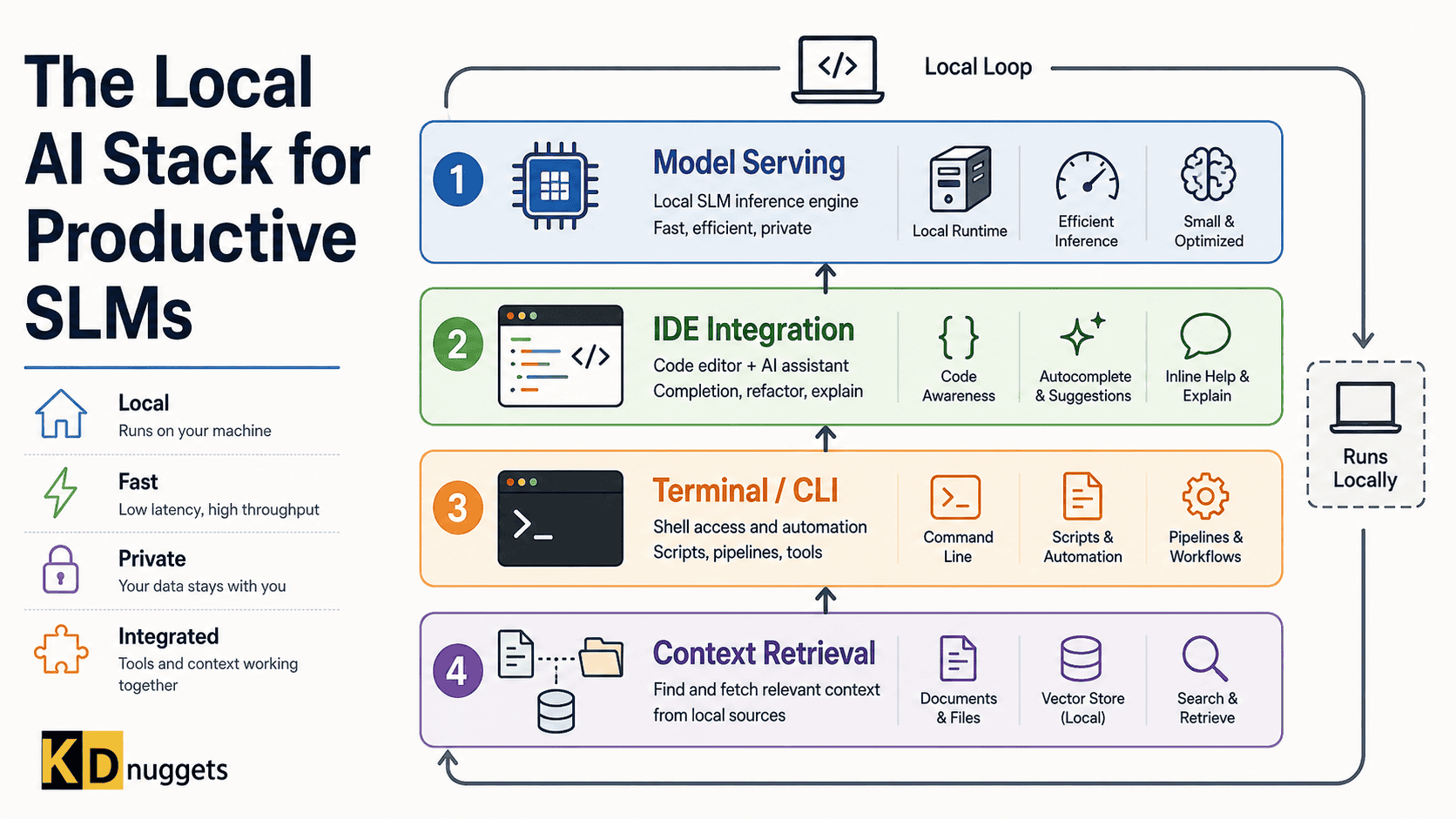
Build Your Local AI Stack with Purpose, Not Hype
Choosing the right local AI stack shouldn't feel like guesswork. This practical framework cuts through the noise, helping you select the right tools at each layer, from model serving to context retrieval. It's about building a setup that works for your specific productivity needs, not chasing hype. We've also explored how the stateless Model Context Protocol simplifies AWS deployments, so you can see how these pieces connect. Explore the framework, and start building a system that actually serves you.
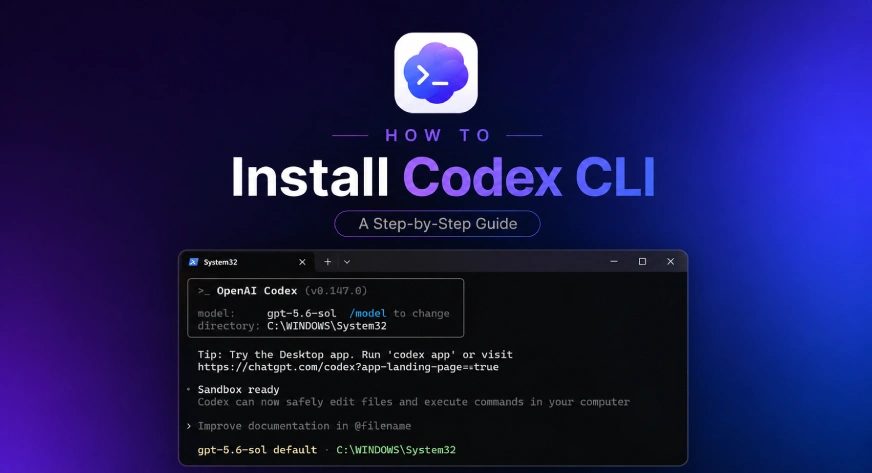
Bring Codex AI Into Your Local Workflow with One Command
One command is all it takes to install Codex CLI, yet the real value lies in the setup choices that follow. If you've used Codex in ChatGPT, the transition feels natural, bringing that same AI assistance directly into your local development environment. It's a practical step toward more efficient workflows, not a flashy overhaul. For a deeper look at how AI tools shape our habits, check out "Talking to My AI Clone Taught Me to Question the Tech."

Explore Five Simple Ways to Install Python on Windows
Choosing the right installation path shouldn't slow down your first Python project. This guide walks through five practical methods, from the official installer to modern tools like WinGet and uv. Each option serves a different need, so you can match the setup to your skill level and workflow. It's a straightforward starting point for anyone ready to build without the friction. For a deeper look at what Python can do once you're up and running, our guide on advanced techniques is worth exploring next.
Choose Your Path: Cloud AI Agents or Self-Hosted Control
Choosing between KimiClaw and self-hosted OpenClaw comes down to a single question: how much control do you want over your AI agent? KimiClaw's cloud-hosted platform promises instant setup and hands-off automation, while OpenClaw gives you full ownership at the cost of technical heavy lifting. For most teams, the tradeoff is privacy versus convenience. We think KimiClaw wins on speed, but OpenClaw suits those who need data sovereignty.
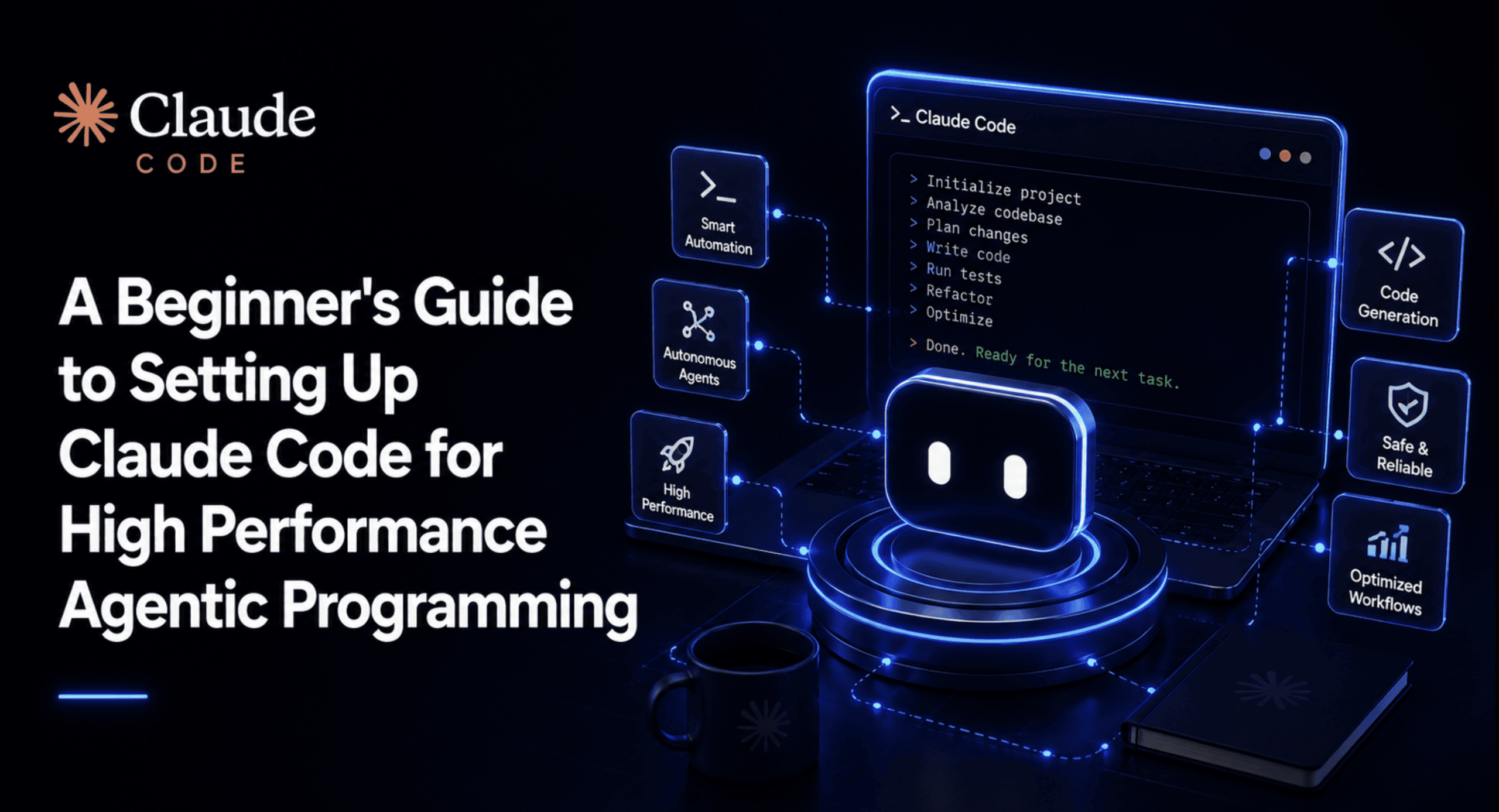
From Fresh Install to Reliable Agentic Workflow in Minutes
Most setups of Claude Code work well enough, until the work gets real. Then permissions stall, hooks misfire, and momentum dies. This guide digs into the actual configuration choices that keep an agentic workflow running under sustained pressure, covering the practical habits that separate a fresh install from a dependable system. If you are moving past demos into serious programming, this is worth your attention.