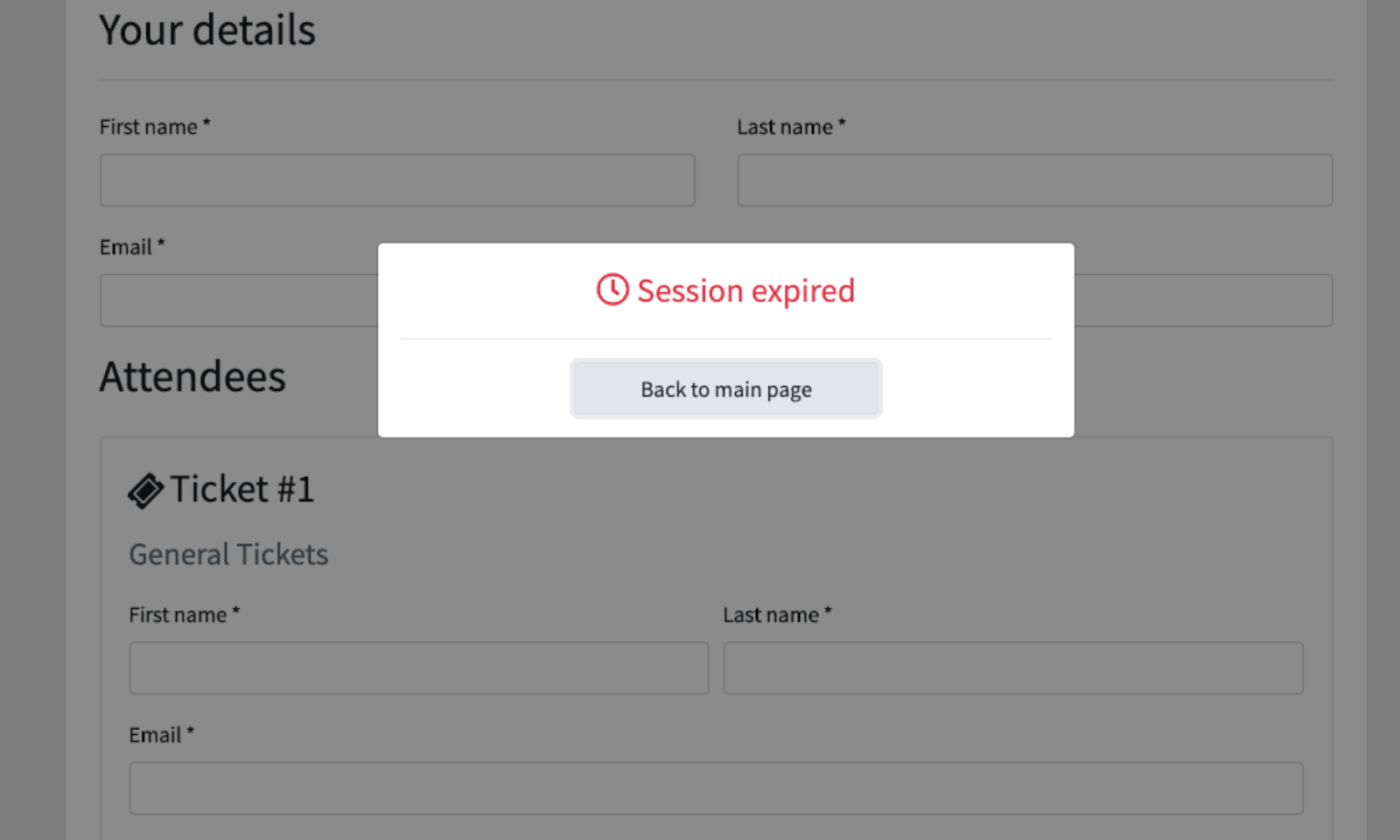
Session timeouts are a silent accessibility failure, and we should stop treating them like a minor annoyance. When a user is mid-way through a multi-step form, investing time and cognitive energy, a sudden redirect to a login screen is not just frustrating. For people with disabilities, it can be a wall that halts essential tasks like buying tickets or applying for a loan. Session management is a balancing act for developers, but for users with disabilities, it is a barrier that can turn a manageable task into an impossible one. Our take is simple: if a timeout is not handled with accessible design, it is a dead end, not a security feature.
What does this mean for you in practical terms? It means that when you build or maintain a web application, the session timer is part of your user experience, not just your backend logic. A thoughtful approach involves warning users before the session expires, giving them a clear option to extend their time with a single click, and ensuring that any countdown or alert is announced by screen readers. For many, losing progress on a form is a common experience, but for a person with a motor impairment or a cognitive disability, re-entering that data might be more than inconvenient. It could be the reason they abandon the task altogether. So, the fix is not about extending the timeout indefinitely; it is about making the transition predictable and controllable.
The deeper issue here is respect. A poorly handled timeout implies that the user's time and effort are less important than the system's convenience. That is a design choice, and it is a poor one. You can mitigate this by using a non-intrusive dialog that appears with enough lead time, allowing users to choose to stay active. You can also preserve their form data locally, so that if a timeout does occur, they are not starting from zero. These are not complex features; they are basic courtesies that align with accessibility guidelines like WCAG 2.1, which emphasize that users should be given the opportunity to turn off, extend, or be warned about time limits. Ignoring this is not a technical oversight; it is a failure to account for the full range of human ability.
The concrete point to take away is this: audit your session timeout process today. Look at it from the perspective of a user who relies on a keyboard, a screen reader, or who needs extra time to process information. If your current implementation does not include a clear warning and an easy way to extend the session, you have a fix to make. Do not wait for a complaint or a compliance audit to treat this as a priority. A respectful web is one where a user can finish a thought, and a form, without being punished for taking a moment longer. That is not a feature request; it is a baseline expectation.